FortiSwitch Price in Sri Lanka | Buying Guide
FortiSwitch buying guide for Sri Lanka — how to choose a managed PoE switch: ports, PoE budget, 10GE uplinks and FortiGate integration. Request a quote.
By Amesha · AccessStore.lk6 min read
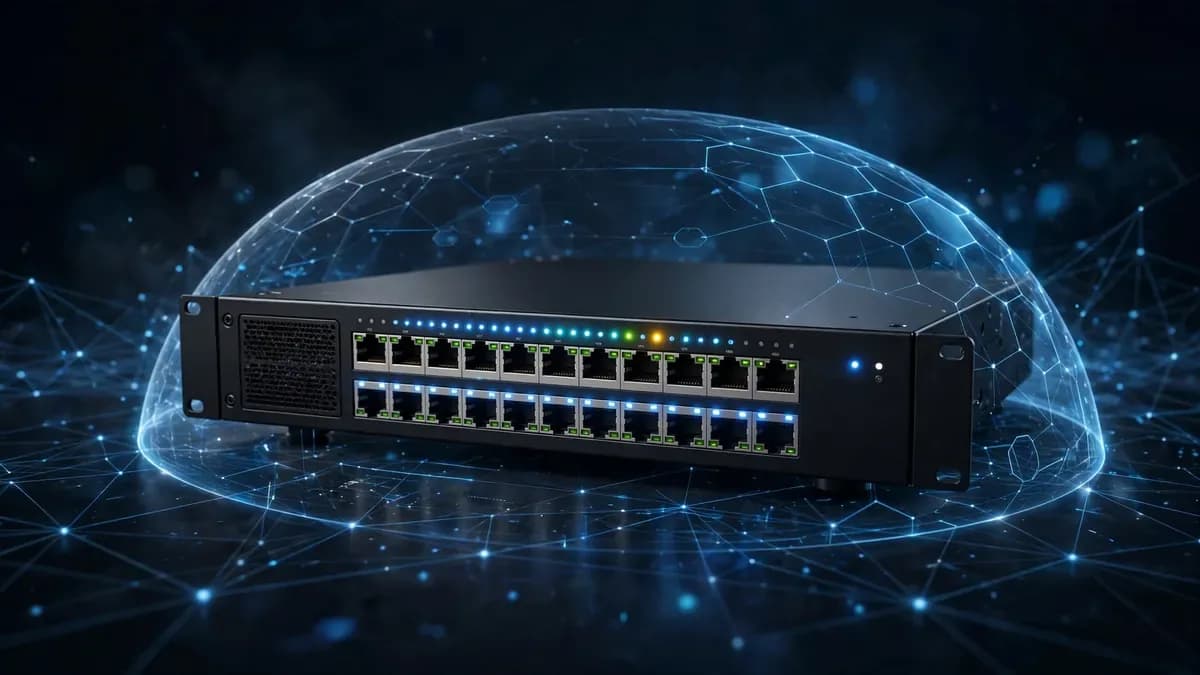
If you are setting up or upgrading the network in your office, hotel, school or shop in Sri Lanka, the switch is the part everything plugs into. Your computers, access points, cameras, phones and printers all connect to it.
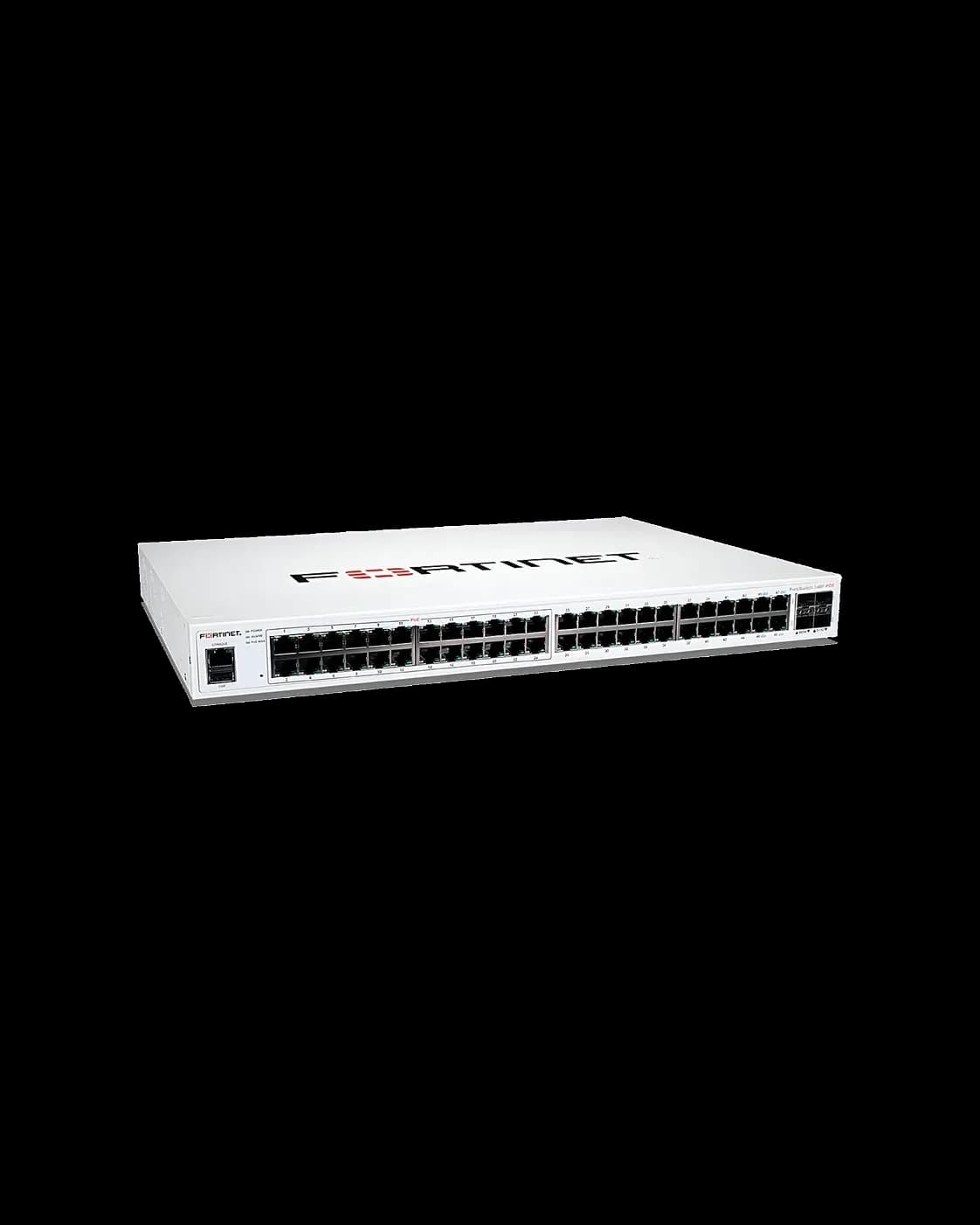
A FortiSwitch is Fortinet's managed network switch. AccessStore.lk stocks the FortiSwitch range in Sri Lanka, from small offices to campuses. All FortiSwitch models are Price on request — call +94 76 101 9946, message us on WhatsApp, or send a Request a Quote, and we will help you choose, with islandwide delivery.
Managed switch vs unmanaged switch
An unmanaged switch is a simple box: you plug cables in and it works, but you cannot see what is happening on it or separate office, guest and camera networks. A managed switch gives you that control — separate networks (VLANs) for staff, guests and cameras. For a home with two or three devices, unmanaged is fine; for any office, hotel, school or shop, a managed switch is the right choice — and that is what every FortiSwitch is.
What to look for when you buy a FortiSwitch
Ports and port speed.
Count every device that needs a cable — PCs, printers, cameras and phones — then add a few spare ports. Most office devices run happily on 1GE (1 gigabit) ports, while newer Wi-Fi 7 access points benefit from 2.5GE ports. Check the model page for ports and speeds.
PoE and the PoE budget.
PoE (Power over Ethernet) sends power down the same cable that carries data, so an access point or camera needs no separate power plug. The standards are 802.3af (15 watts), 802.3at / PoE+ (30 watts) and 802.3bt / PoE++ (60 or 90 watts). The PoE budget — the total power the whole switch can supply at once — matters just as much: add up what your devices need and leave room to spare.
Uplink speed.
Your switch connects to the firewall or router through its uplinks. If every device on a 48-port switch shares one slow uplink, the whole network feels slow at busy times. Look for 10GE SFP+ uplinks, which connect to the firewall or another switch at 10 gigabits.
Switching capacity.
This is the total traffic the switch can move through all its ports at the same time. A high capacity handles every port at full speed; a low one slows down when the office is busy. It rarely matters for a small office, but it matters a lot for a busy office or many cameras recording at once.
FortiGate integration (FortiLink).
If you have, or plan to buy, a FortiGate firewall from AccessStore.lk, a FortiSwitch works with it as one system. The feature is called FortiLink: the FortiSwitch plugs into the FortiGate, and you manage the switch from the same screen as your firewall. That is why many Sri Lankan offices buy the two together — see our FortiGate firewall buying guide too.
Stacking and aggregation.
In a larger building you may need two, three or more switches, joined together so they behave like one bigger switch. This is called stacking or aggregation: you configure the group once. If your network will grow, ask us whether the models you are considering support it.
The FortiSwitch range at AccessStore.lk
124 series — small offices.
The smaller end of the range, for small offices, shops and branch offices with few wired devices. If your network is a handful of PCs, a printer and one or two access points, start here. Check the model page for ports and PoE.
224 and 248 series — growing offices.
The step up for offices that need more ports. The 248 models suit a larger office floor or a small business with many wired devices, cameras and phones. Check the model page for the exact ports, PoE budget and uplinks.
300 series — faster networks.
The 324G and 348G models add 2.5GE ports for faster Wi-Fi 7 access points and busy devices, with 10GE SFP+ uplinks. The flagship is the FortiSwitch 348G-FPOE: 48 ports (24x 1GE plus 24x 2.5GE RJ45), a 1540W 802.3bt PoE budget, 4x 10GE SFP+ uplinks, 248 Gbps switching capacity and MACSec security — the right choice for PoE-heavy sites.
424E series — fibre and larger access layers.
The 424E family suits larger access layers and sites where switches connect to each other over fibre, for longer runs between floors or buildings.
Enterprise, Campus and Aggregation lines — larger networks.
For campuses and large buildings, the Enterprise, Campus and Aggregation lines (including the 1024E and 1048G) provide the port counts and aggregation capacity a large network needs. These are quoted per project — call us and we will size it with you.
How to choose — by use case
Small office (up to about 20 devices).
Start with the 124 series. Count your wired devices, add two or three spare ports, and check whether your access point or phones need PoE. One switch and one or two access points cover most small offices.
Growing office (20 to 50 devices).
Look at the 224 and 248 series. Think about how many access points and cameras you will add in the next two years, not just today, and choose a PoE budget that covers them.
Campus or enterprise (several floors, many users).
Plan with the Enterprise, Campus and Aggregation lines. Count ports per floor, plan fibre uplinks between floors, and let us help you size it — call us on +94 76 101 9946.
PoE-heavy CCTV and Wi-Fi deployments.
Add up the power of every camera and access point, then choose a switch whose budget covers the total with room to spare. The 348G-FPOE, with its 1540W 802.3bt budget, is built for exactly this job.
Frequently asked questions
What is the price of a FortiSwitch in Sri Lanka?
All FortiSwitch models at AccessStore.lk are Price on request. The price depends on the model, the number of ports and the PoE budget. Call +94 76 101 9946, message us on WhatsApp, or send a Request a Quote.
Do I need a managed switch, or is an unmanaged switch enough?
For a home with a few devices, unmanaged is fine. For any office, hotel, school or shop, choose managed — separate networks for staff, guests and cameras. Every FortiSwitch is a managed switch.
What PoE budget do I need for my CCTV cameras and Wi-Fi access points?
Add up the power each camera and access point needs, then choose a switch whose total PoE budget covers that sum with room to spare. High-power devices need much more.
Does a FortiSwitch work with my FortiGate firewall?
Yes. FortiSwitch connects to FortiGate through FortiLink, so you manage the switch from the same screen as your firewall. If you are choosing a firewall at the same time, read our FortiGate firewall buying guide.
Can I add more switches later as my network grows?
Yes. Larger networks join several switches together through stacking or aggregation, so they behave like one bigger switch. If you expect to grow, ask us whether the models you are considering support it.
Which FortiSwitch is best for a small office in Sri Lanka?
Start with the 124 series — it covers a modest number of wired devices at the smaller end of the range. Count your devices, add a few spare ports, and check whether you need PoE.
Talk to us before you buy
A switch is a five-to-ten-year purchase. Tell us how many devices and cameras you have — we will recommend the right FortiSwitch, quote it, and deliver it anywhere in Sri Lanka. Call +94 76 101 9946, message us on WhatsApp, or send a Request a Quote today.