CCTV Camera Buying Guide: Types, Resolution, NVR & Storage Explained
A CCTV system is cameras, a recorder and storage working together — buy one part wrong and the rest underperforms. This guide explains the choices in plain language: camera types, resolution, PoE, NVR channels and how much hard drive space your footage really needs.
By AccessStore.lk TeamUpdated 2 min read
A CCTV system is three things working together — cameras, a recorder, and storage. Buy one part wrong and the rest underperforms. This guide explains the choices in plain language, using the Hikvision and Dahua ranges we supply at AccessStore.lk.
Step 1: Pick the camera type
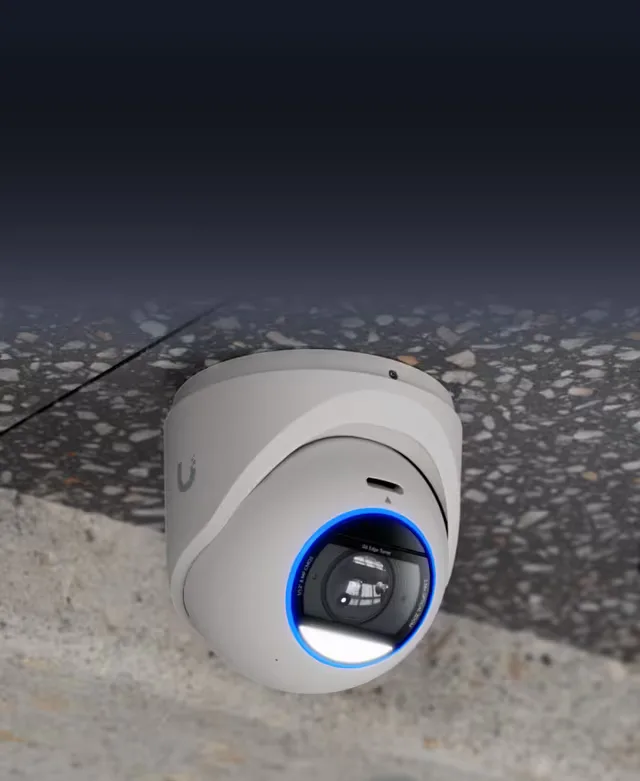
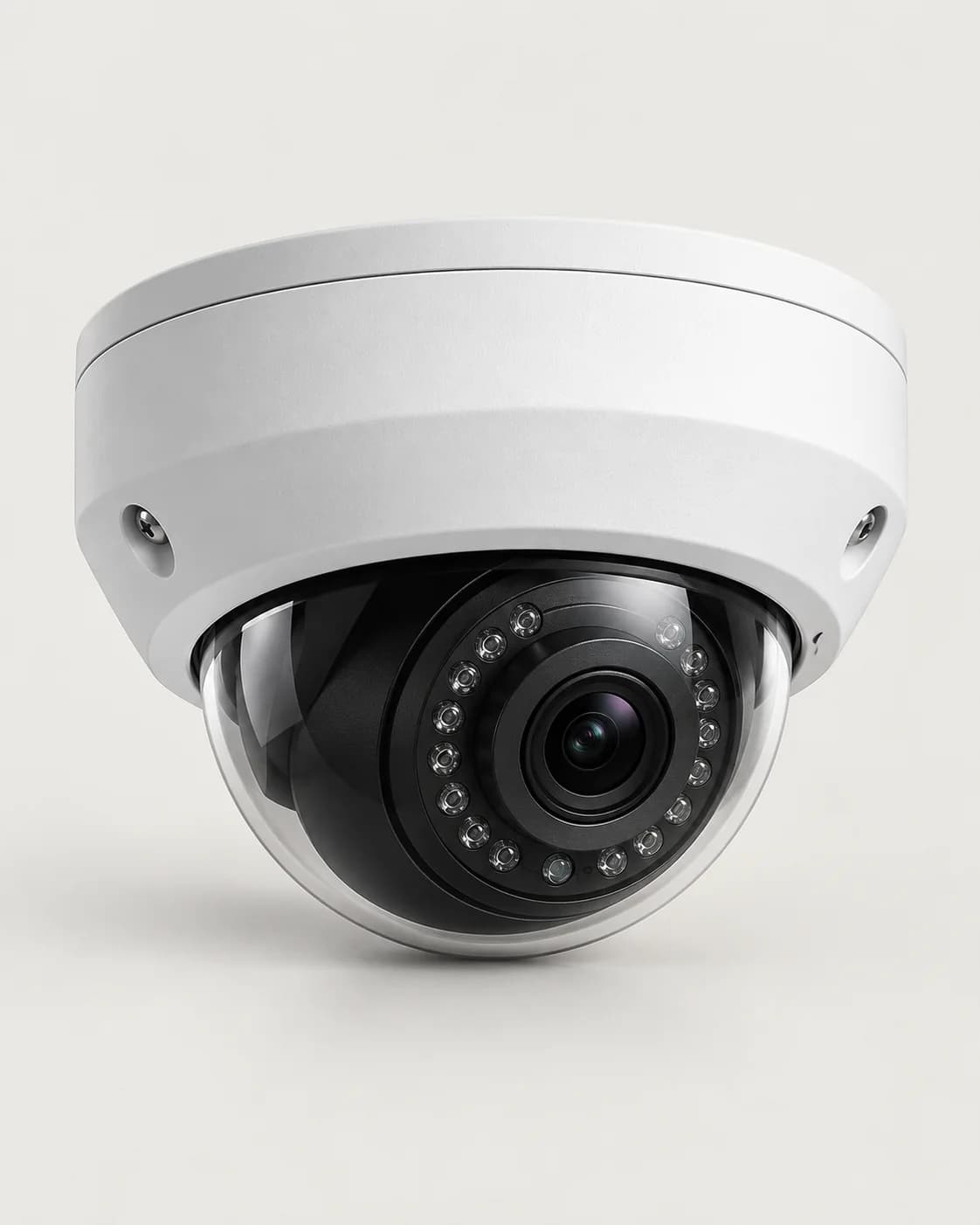
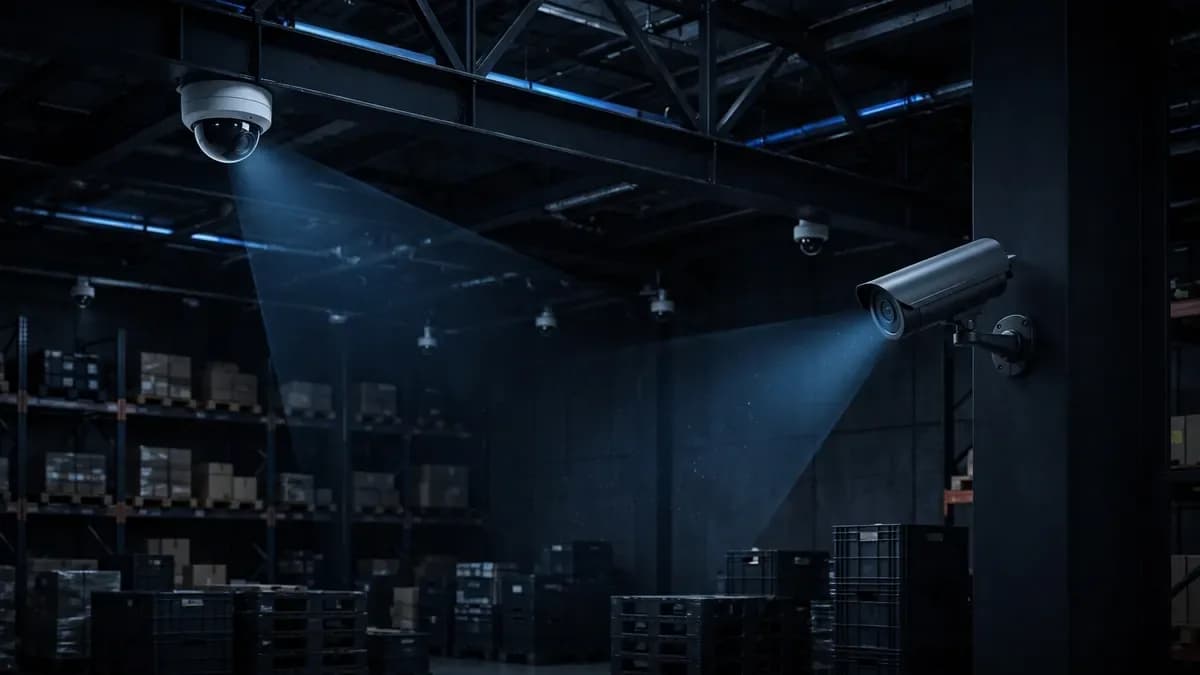
- Dome cameras sit discreetly on ceilings indoors or under cover — the default for shops, offices, restaurants and homes. Our Hikvision 4MP PoE IP dome camera is vandal-resistant with 30 m infrared night vision.
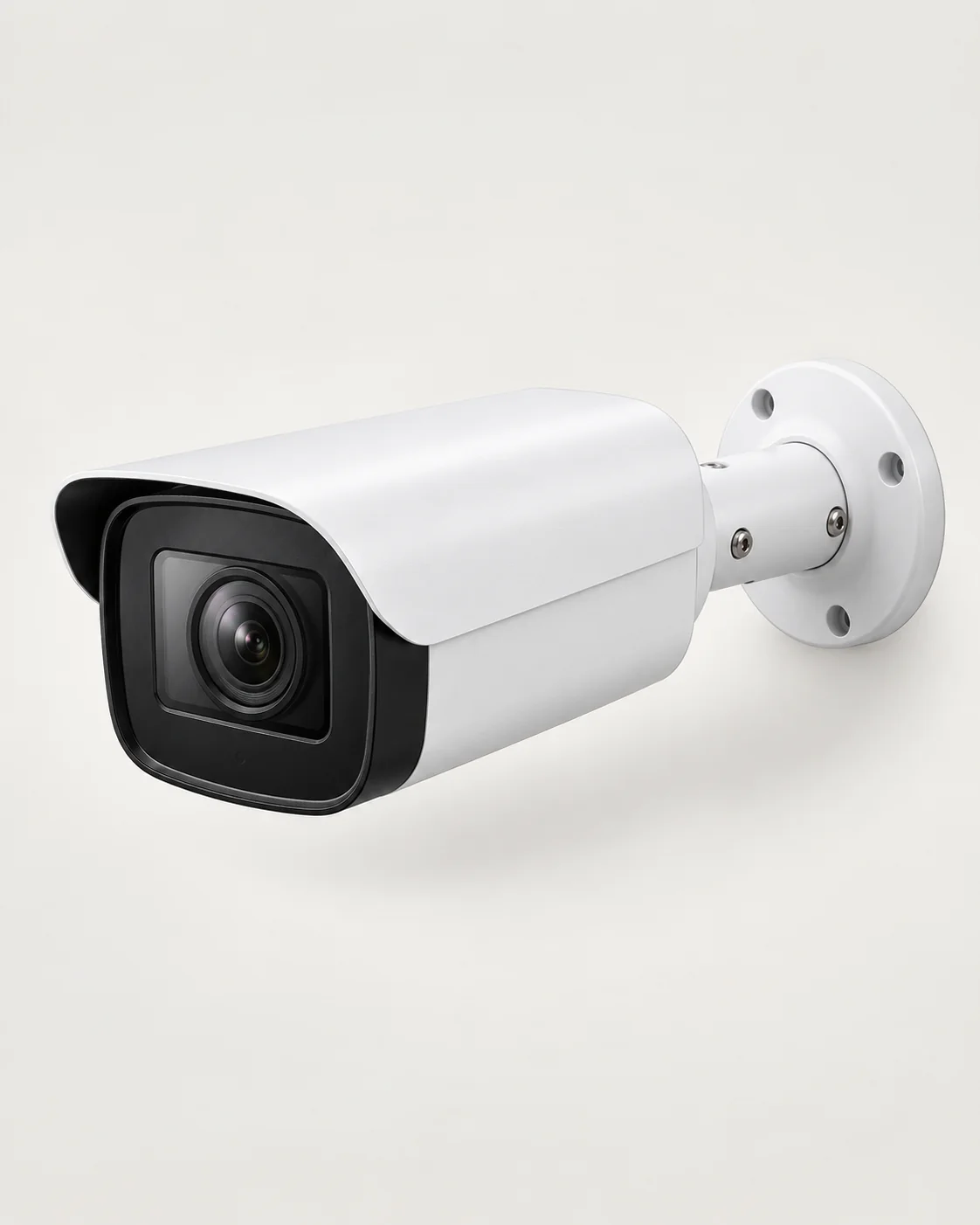
- Bullet cameras are the visible deterrent for outdoors — gates, driveways, perimeters and car parks. The Dahua 8MP 4K outdoor bullet camera adds colour night vision and human/vehicle detection, so alerts are about people and cars, not swaying trees.
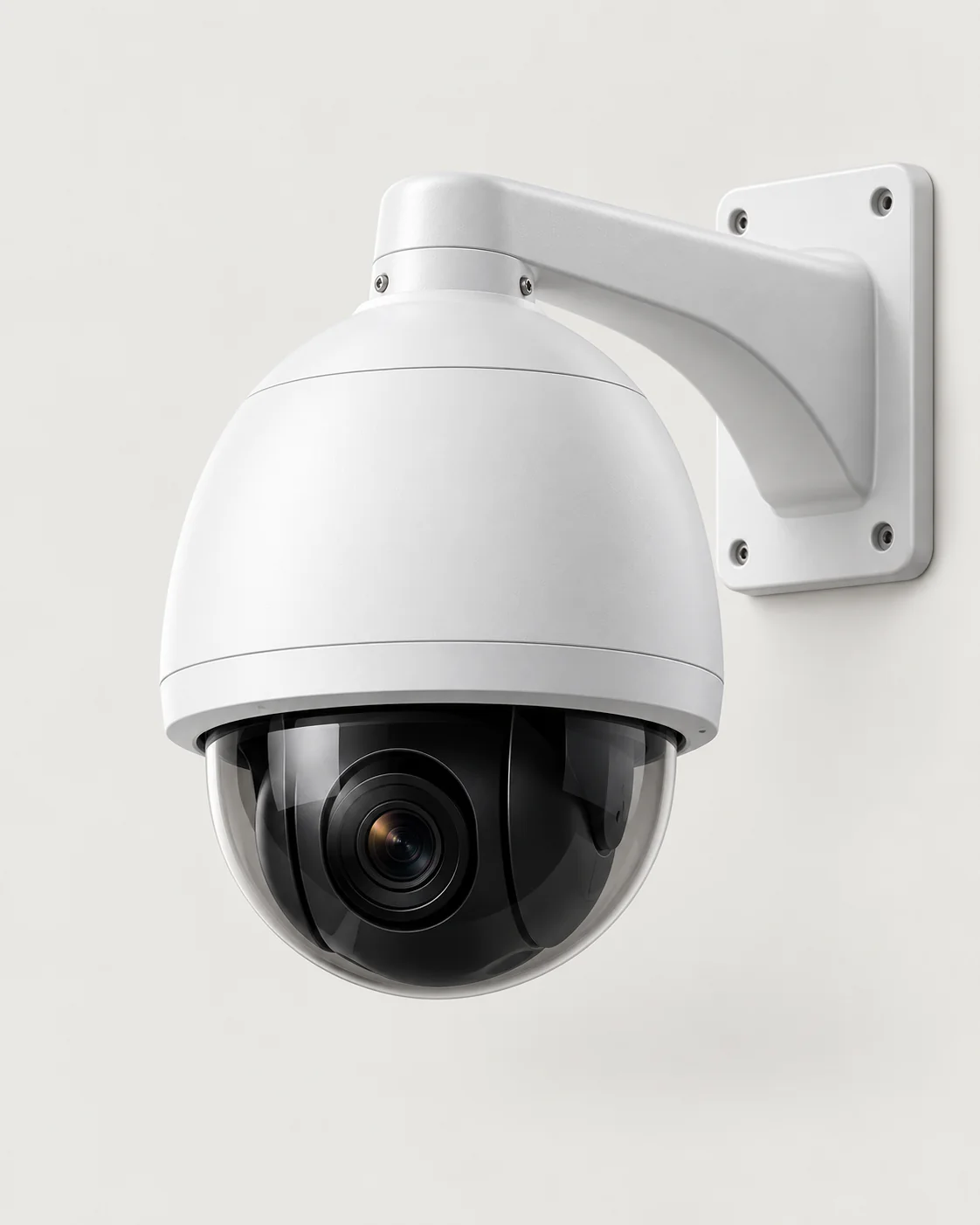
- PTZ (pan-tilt-zoom) cameras move to cover large areas and zoom into detail. The Dahua 4MP PTZ speed dome has 25x optical zoom and auto-tracking for warehouses, yards and large premises.
Step 2: Resolution — 4MP or 4K?
Resolution decides how much detail survives a zoom. 4MP is the sweet spot for most homes and businesses: clear faces and number plates at typical distances, without overwhelming your storage. Step up to 8MP (4K) for wide areas, long driveways and anywhere identification at distance matters. Whichever you choose, keep the recorder matched to it — a 4K camera on a recorder that cannot handle 4K wastes the camera.
Step 3: The recorder (NVR) and PoE
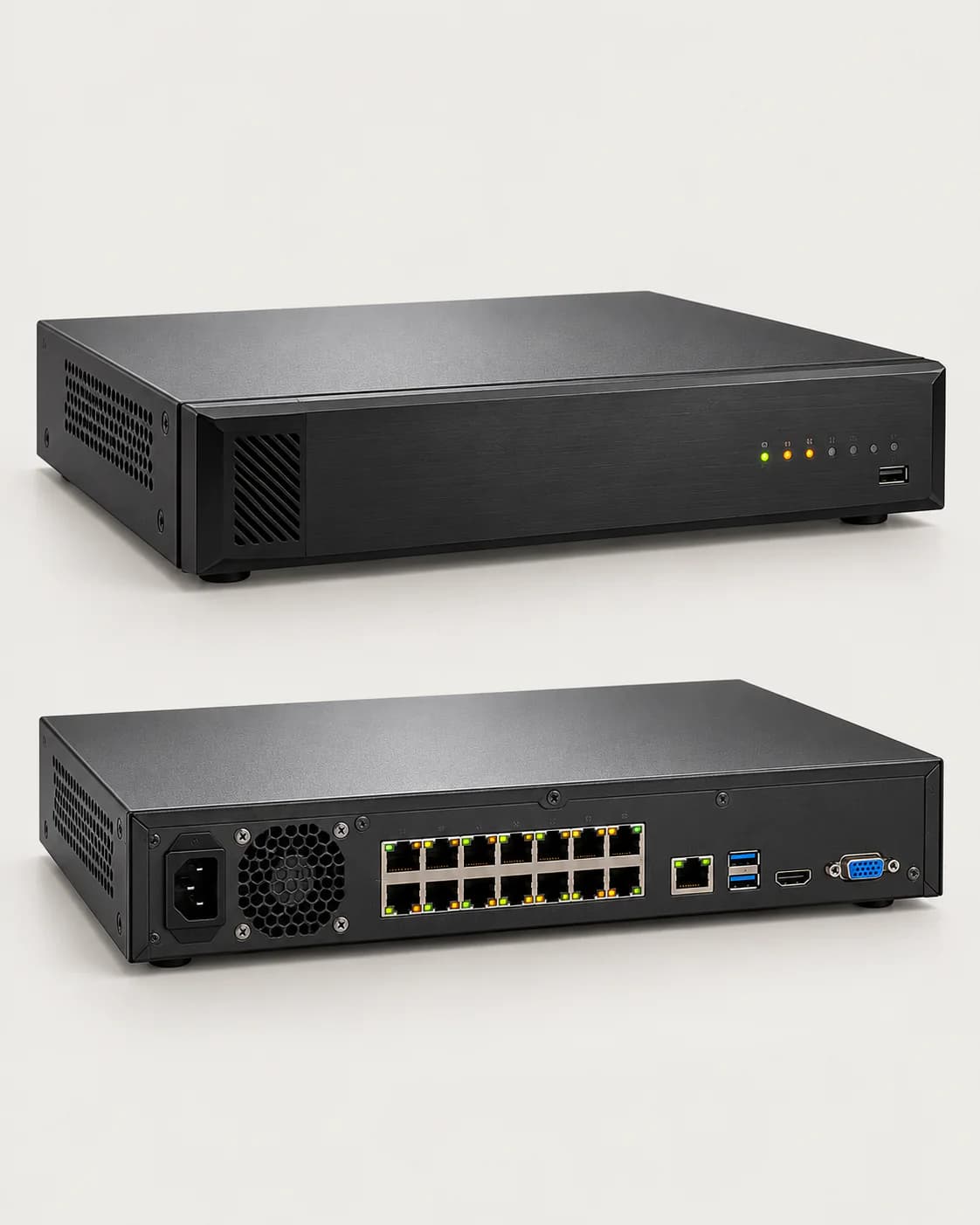
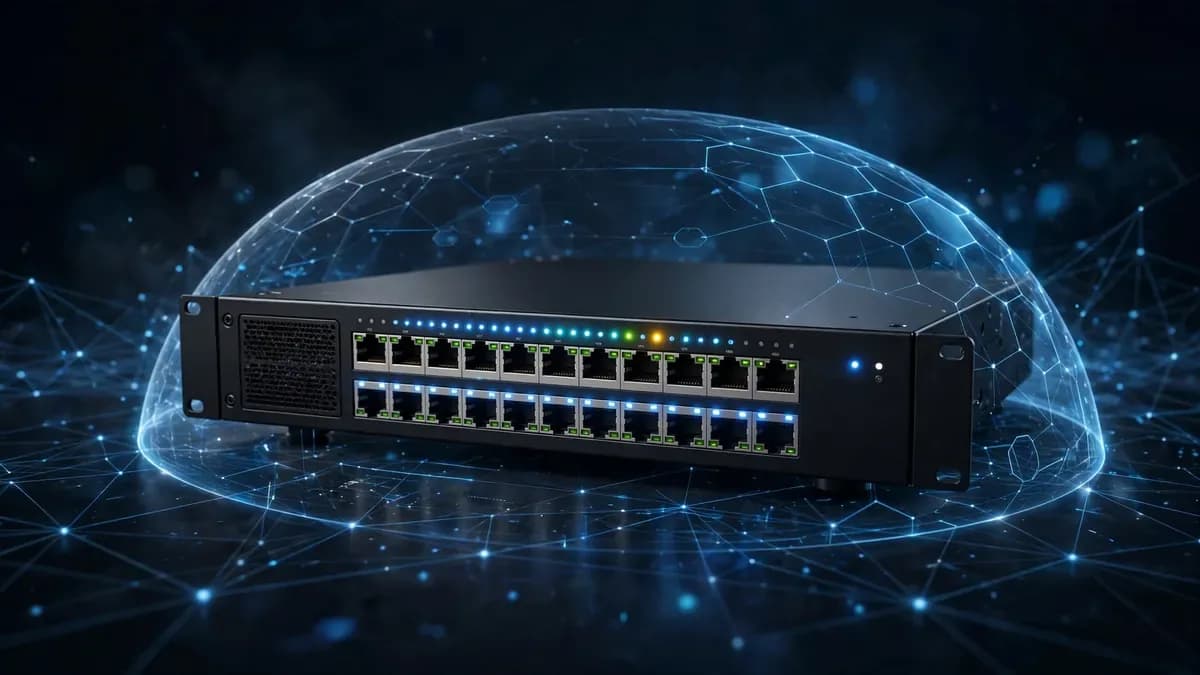
IP cameras record to an NVR. Size it by channel count — one channel per camera, with headroom for the cameras you will add later. The Hikvision 16-channel 4K PoE NVR is the hub of a typical business system: its 16 built-in PoE ports power the cameras over the same network cable that carries the video, so each camera needs one cable run and no separate power supply.
Step 4: Storage — how many days of footage?
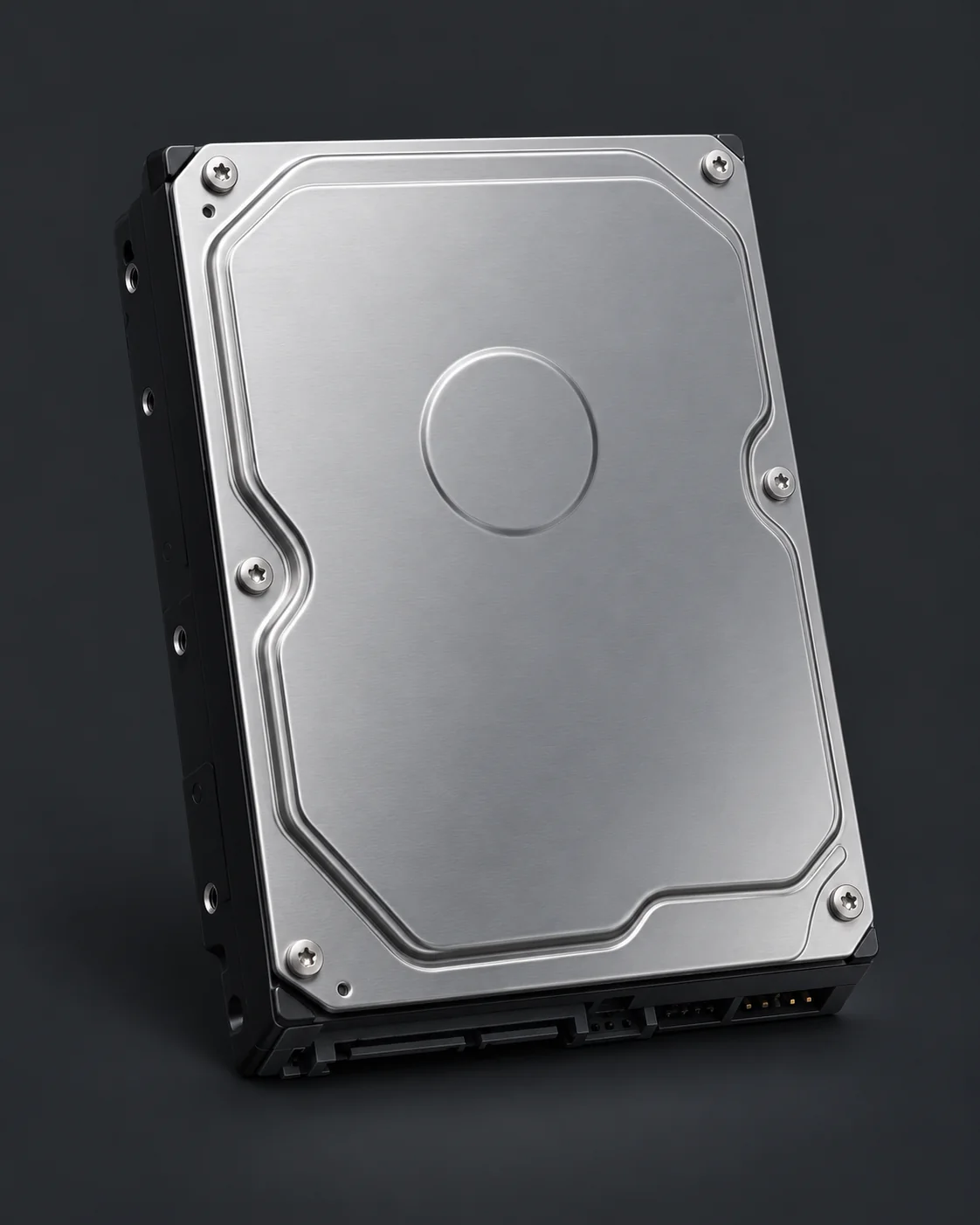
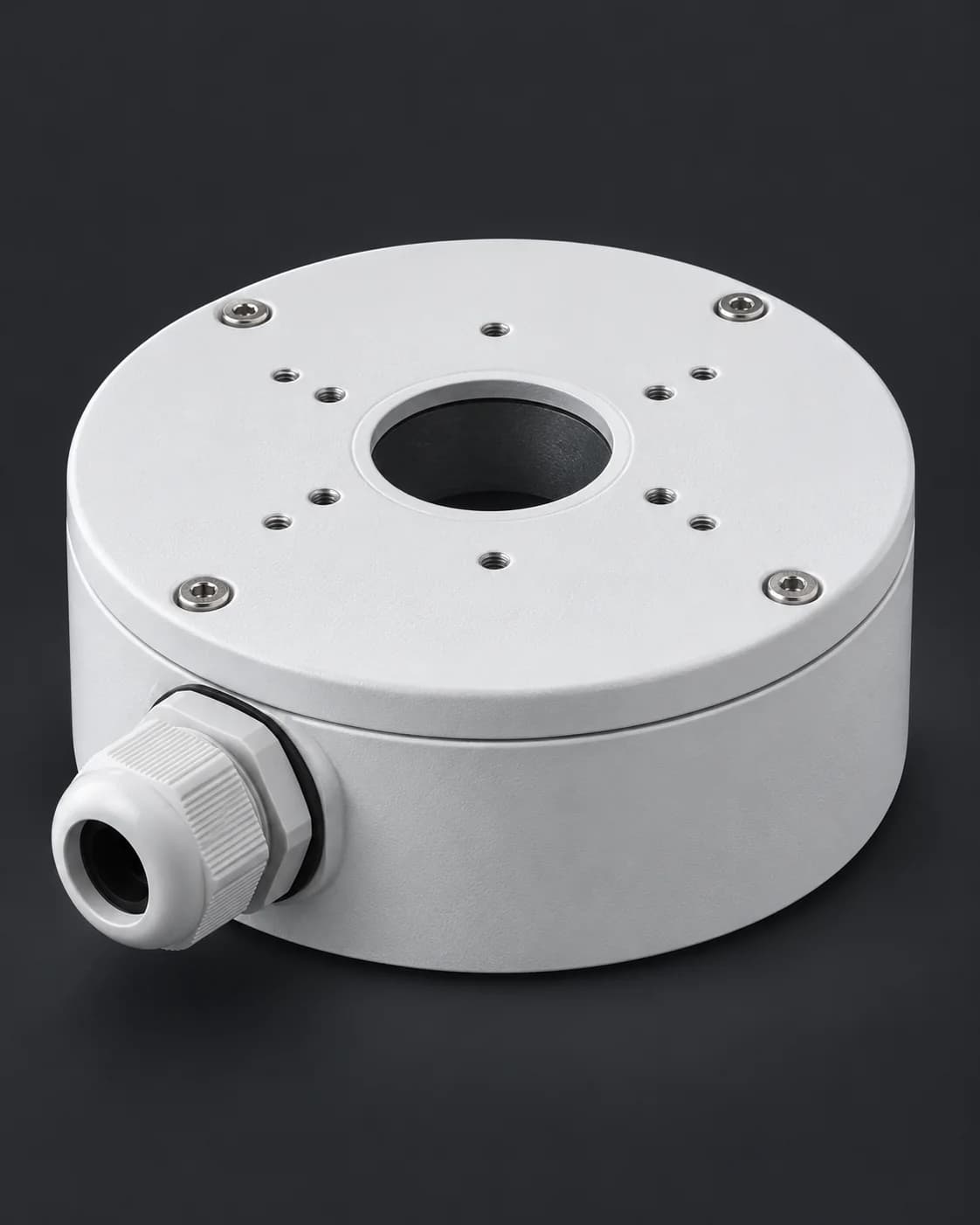
Your hard drive decides how far back you can rewind. Retention depends on camera count, resolution, frame rate, H.265 compression, and whether cameras record continuously or only on motion — so any single number would be a guess. Drives built for the job, like the Hikvision 4 TB surveillance hard drive, are rated for 24/7 recording duty that ordinary desktop drives are not. Tell us your camera count and the retention you want (a week? a month?) and we will size the storage properly. Small parts matter too: a weatherproof camera junction box protects cable connections outdoors and keeps an installation reliable.
Step 5: Watching it all
Both ecosystems include free mobile apps — Hik-Connect for Hikvision and DMSS for Dahua — for live viewing, playback and alerts on your phone from anywhere. Set up user accounts and strong passwords at installation time; your cameras should never be the weakest door into your network.
Talk to us before you buy
Browse the full CCTV camera range, compare the Hikvision and Dahua line-ups, or call AccessStore.lk on +94 76 101 9946 with your camera count and the area you need to cover — we will put together a complete kit: cameras, NVR, storage and accessories.