How to Choose a PoE Switch for CCTV, Wi-Fi and IP Phones
Power budget, PoE standards, port count, uplinks and managed features — everything you need to pick a PoE switch that powers your cameras, access points and phones reliably.
By AccessStore.lk TeamUpdated 3 min read
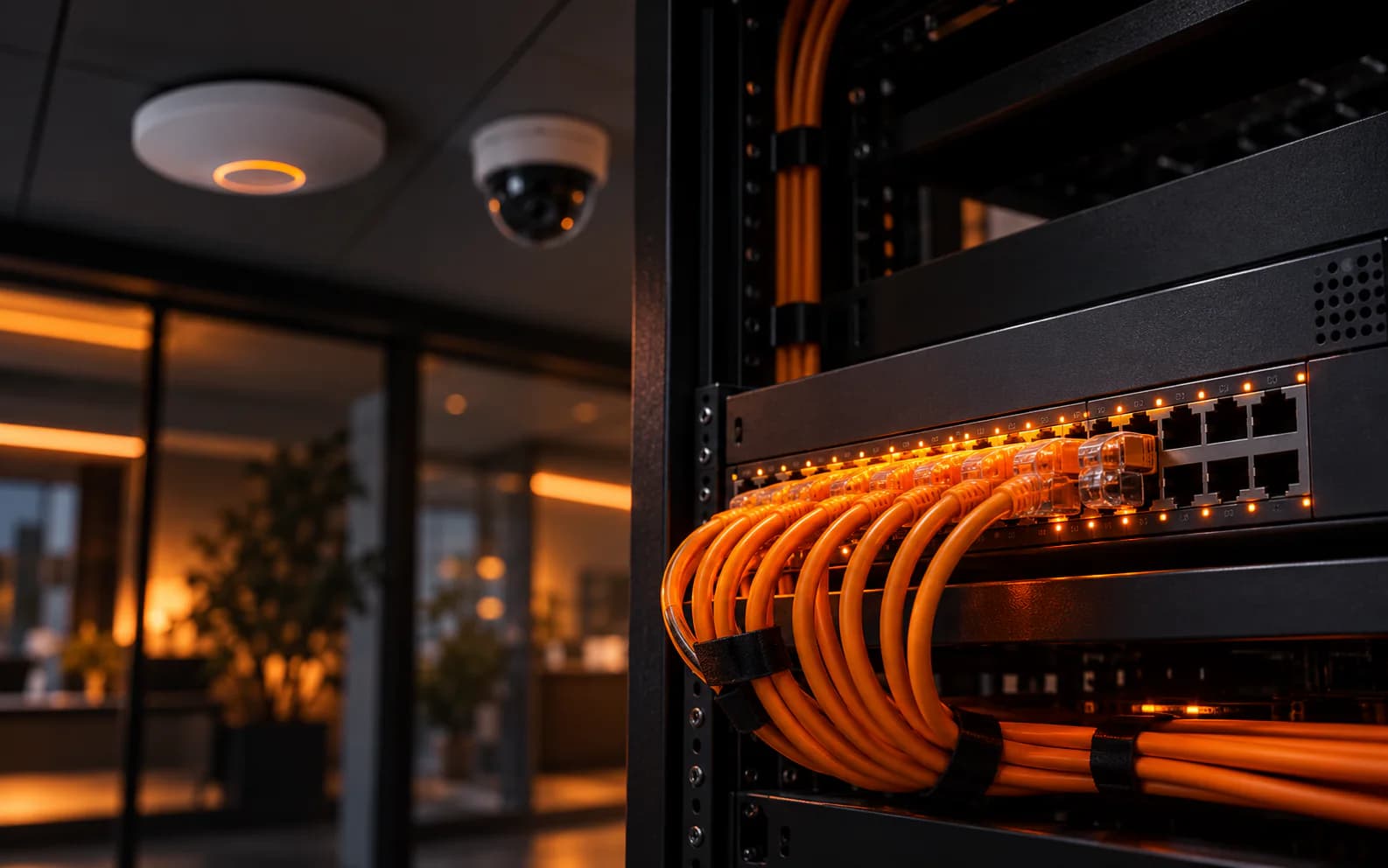
A PoE (Power over Ethernet) switch sends data and electrical power down one network cable, so IP cameras, Wi-Fi access points and IP phones don't need a power point where they're mounted. To choose the right one, match five things to your devices: the PoE standard, the total power budget, the number of ports, the uplink ports and whether you need a managed switch.
1. Match the PoE standard to your devices
Every PoE device lists the standard it needs. A switch port must supply at least that standard — ports are backwards compatible, so a PoE+ port happily powers a basic PoE camera.
| Standard | Name | Max power per port | Typical devices |
|---|---|---|---|
| IEEE 802.3af | PoE | 15.4 W | Fixed IP cameras, IP phones, small access points |
| IEEE 802.3at | PoE+ | 30 W | Wi-Fi 6 access points, cameras with heaters or IR |
| IEEE 802.3bt Type 3 | PoE++ | 60 W | High-end access points, small PTZ cameras |
| IEEE 802.3bt Type 4 | PoE++ | 90 W | Large PTZ cameras, displays, thin clients |
The device receives slightly less than the port supplies because some power is lost in the cable (for example, about 25.5 W reaches a PoE+ device), which is why datasheets quote both figures.
2. Add up your power budget
The PoE budget is the total power a switch can deliver across all its ports at the same time — and it's the number most people forget. A 24-port switch with a 190 W budget cannot run 24 devices at 30 W each.
To size it:
- List every device and its maximum power draw from its datasheet.
- Add them together.
- Add 20–25 % headroom for future devices and for cameras whose IR lights draw more power at night.
3. Choose the number of ports
Count the devices you'll connect today, then add roughly 25–30 % for growth. Remember that non-PoE devices (NVRs, printers, PCs, the router) need ports too. Common sizes are 8, 16, 24 and 48 ports — a 24-port switch in a rack is the most popular choice for small and medium offices.
4. Plan your uplinks
Uplink ports connect the switch to your router, core switch or another floor.
- SFP ports accept fibre transceivers, so you can link buildings or floors further than the 100 m limit of copper Ethernet.
- 2.5G or 10G uplinks matter when many Wi-Fi 6 access points share one switch — otherwise the uplink becomes the bottleneck.
5. Managed, smart or unmanaged?
- Unmanaged switches are plug-and-play. Fine for a handful of cameras at home.
- Managed (or smart) switches add VLANs to separate CCTV, staff and guest traffic, QoS to keep voice calls clear, and monitoring so you can restart a frozen camera remotely by power-cycling its port.
For any business network with cameras and Wi-Fi, a managed PoE switch is worth the small extra cost.
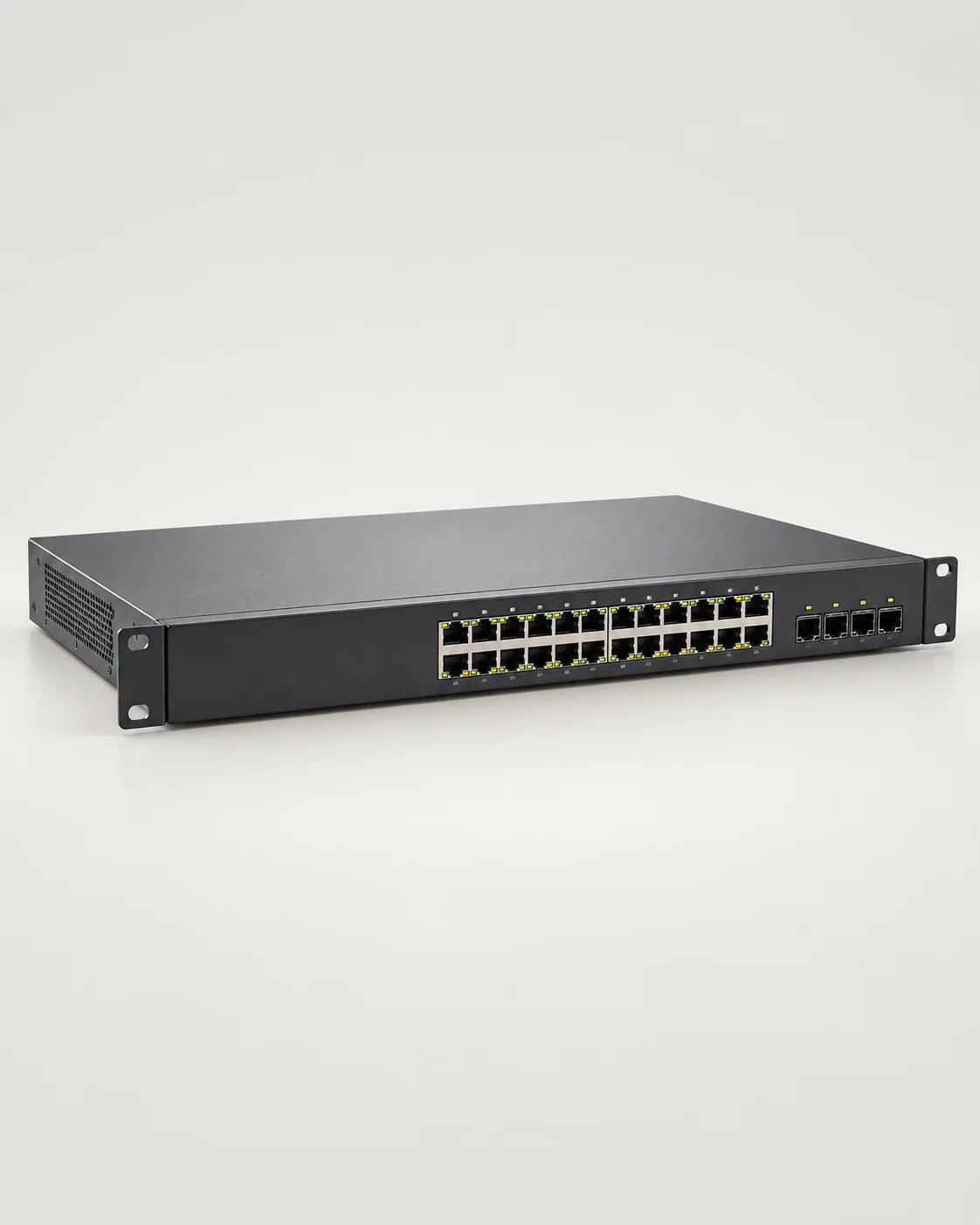 Cisco24-Port Gigabit Managed PoE+ Switch24 × PoE+ ports, 370 W budget and 4 SFP uplinks — a good fit for the example above.LKR 142,000In stock
Don't forget cabling and surge protection
- Keep every run to 100 m or less — that's the Ethernet limit for data and power.
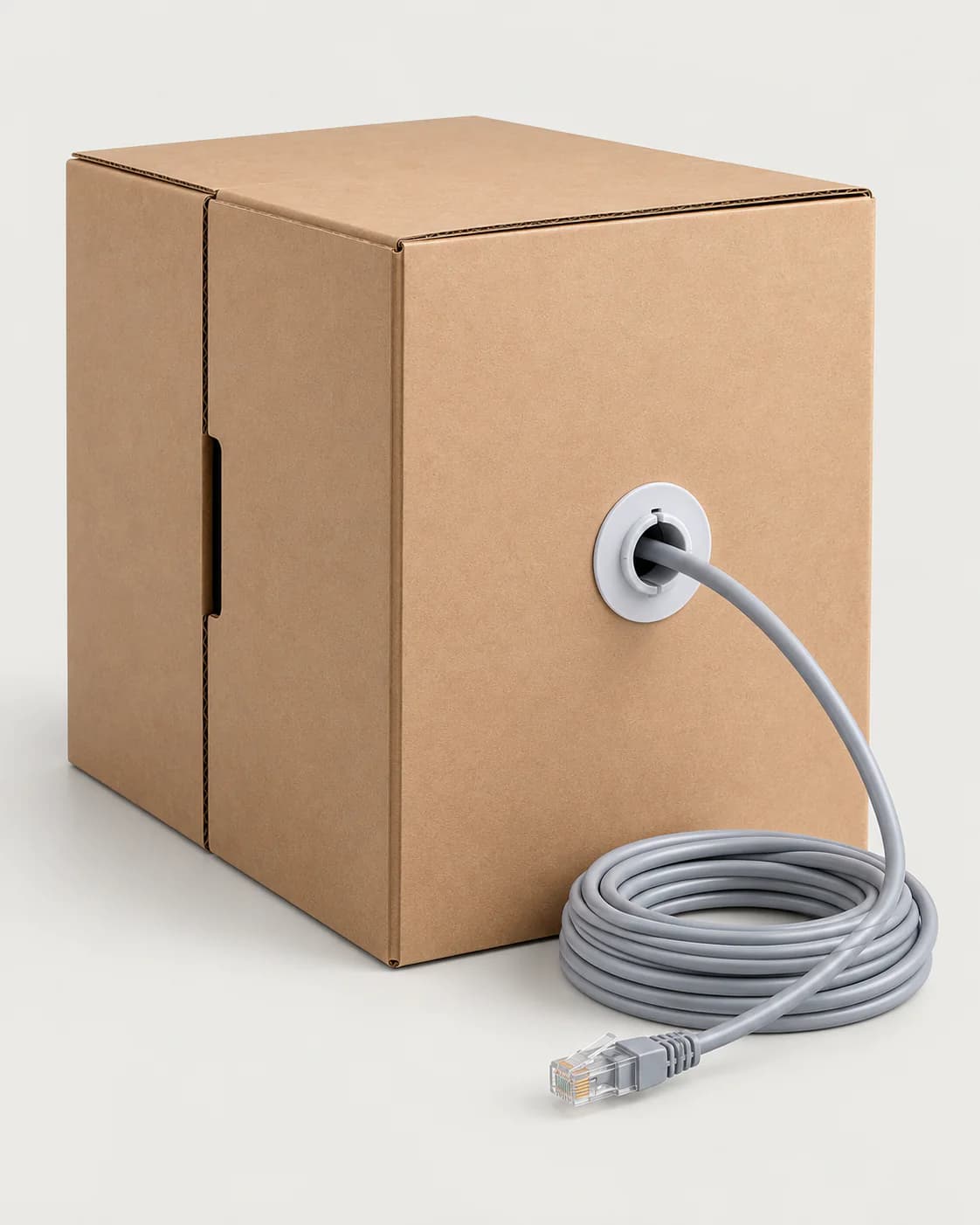
- Use solid copper Cat6 cable. Cheaper copper-clad aluminium (CCA) cable overheats and drops voltage under PoE loads.
- Outdoor cameras and access points can carry lightning-induced surges back to the switch. An Ethernet surge protector between outdoor runs and the switch is cheap insurance, especially during the monsoon.
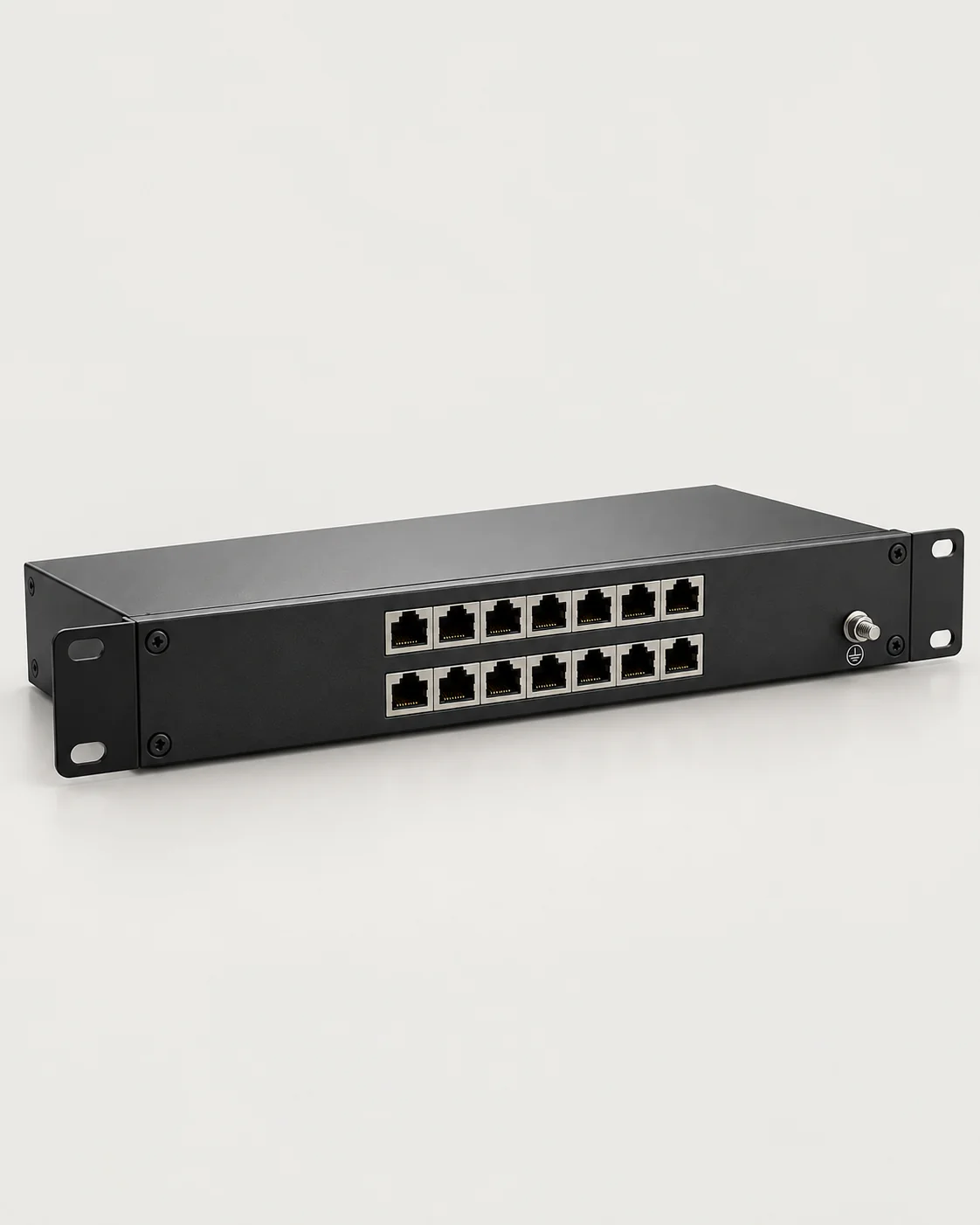 APC8-Port PoE Ethernet Surge ProtectorRack-mount surge protection for Ethernet and PoE lines against lightning and power spikes.LKR 18,500In stock
Quick checklist
- PoE standard on every port ≥ what each device needs
- Total PoE budget ≥ total device power + 25 %
- Ports for today + 25–30 % growth
- SFP or multi-gig uplinks if you have many access points or need fibre
- Managed features (VLAN, QoS) for business networks
- Cat6 solid copper cable, runs under 100 m, surge protection for outdoor runs
Not sure which switch fits your project? Send us your device list and our team will size it for you.