How to Plan an IP CCTV System: Cameras, NVR and Storage
From choosing dome, bullet or PTZ cameras to working out how many terabytes you need for 30 days of recording — a practical guide to planning IP CCTV.
By AccessStore.lk TeamUpdated 3 min read
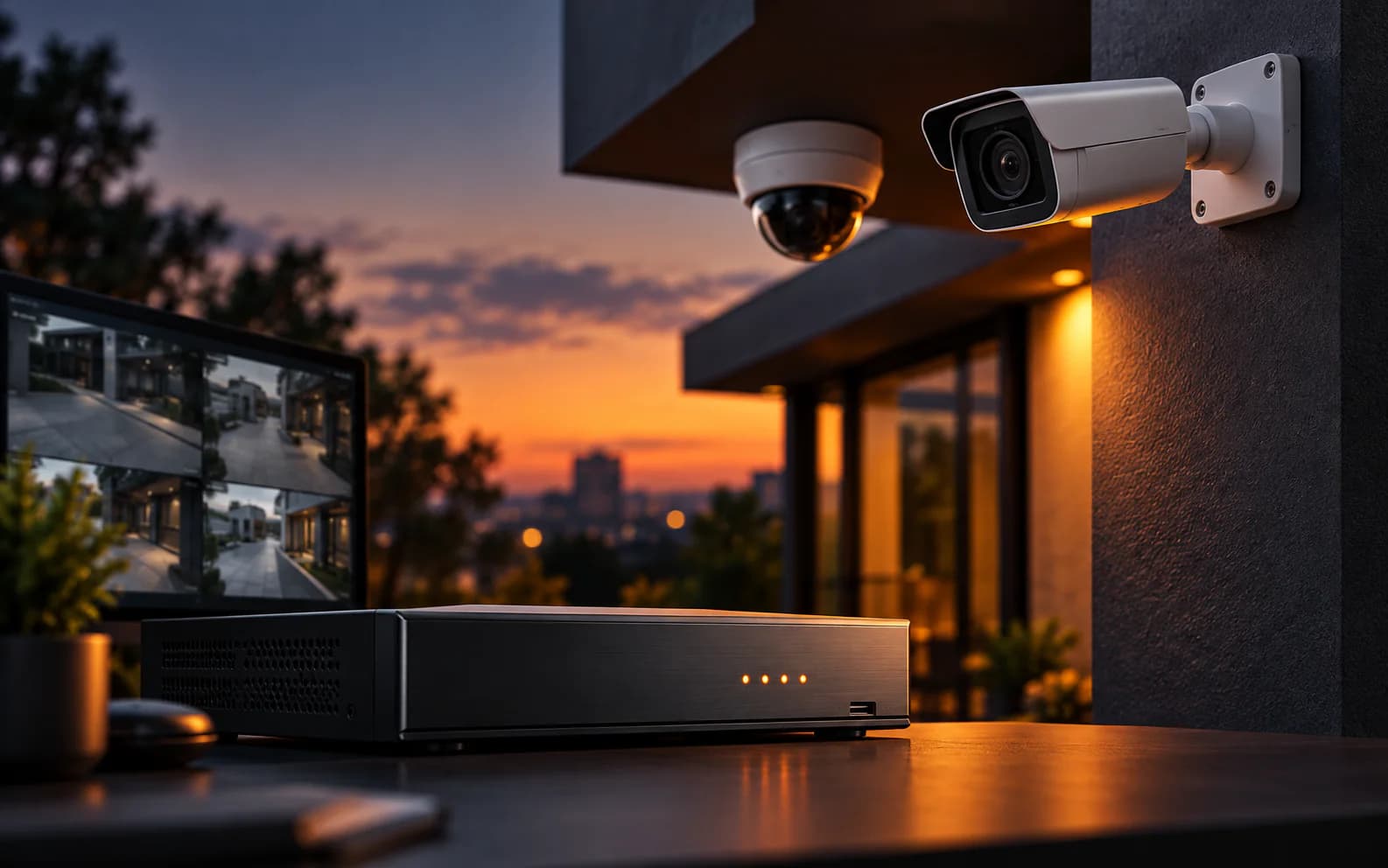
An IP CCTV system has four parts: cameras, a network video recorder (NVR), hard drives for storage, and the network (cable and PoE) that connects and powers everything. Plan them in that order — the cameras you need decide the NVR, the NVR decides the storage, and all of it decides the power budget.
1. Choose the right camera for each spot
Walk the site and note what each camera must see.
| Camera type | Best for | Why |
|---|---|---|
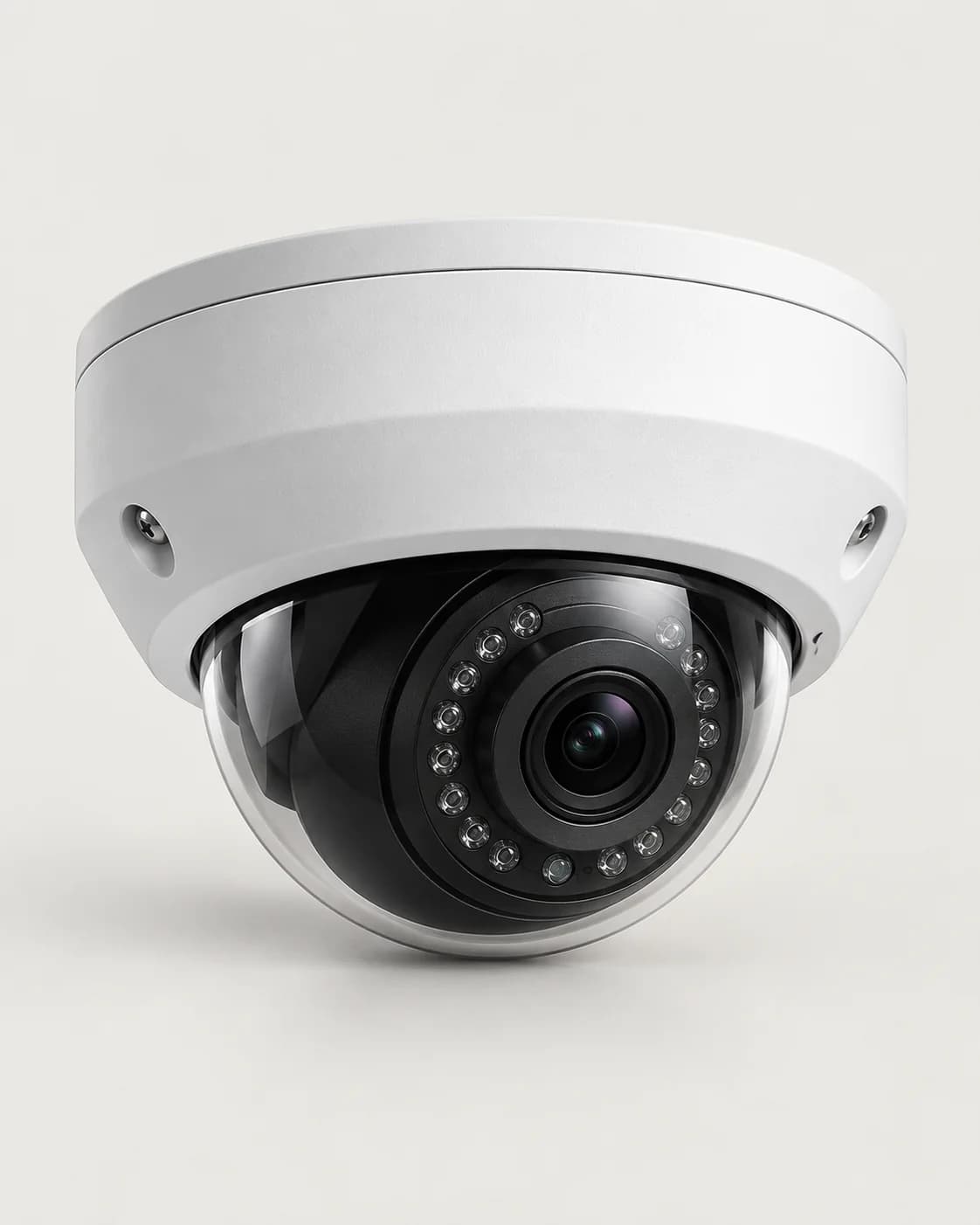
| Dome | Indoors, ceilings, shops, corridors | Discreet and hard to tamper with; vandal-resistant models are rated IK10 |
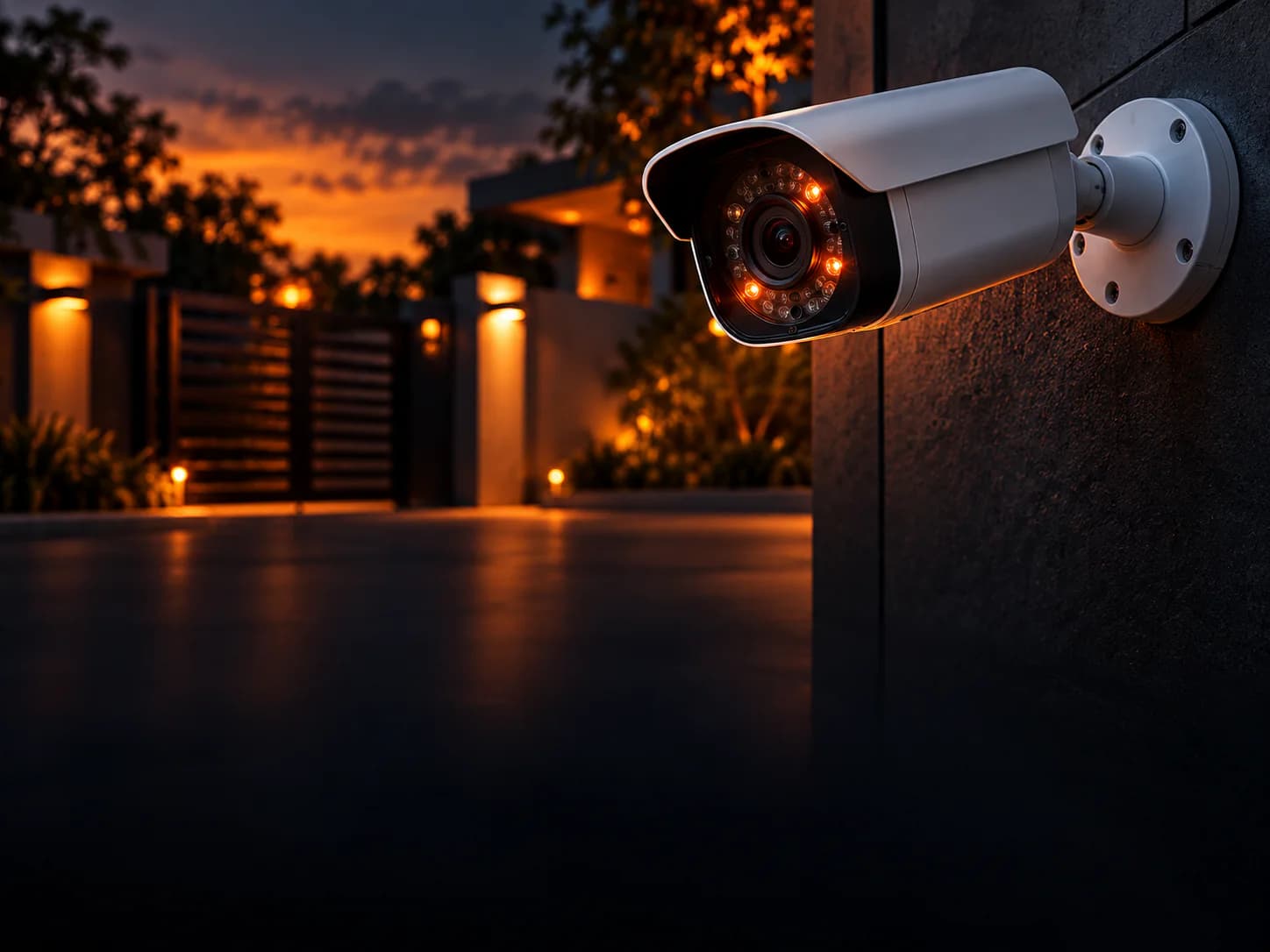
| Bullet | Outdoors, gates, car parks, perimeters | Longer reach, visible deterrent, sun shield for weather |
| PTZ (pan-tilt-zoom) | Large yards, campuses, factories | One camera can scan and zoom across a wide area and auto-track movement |
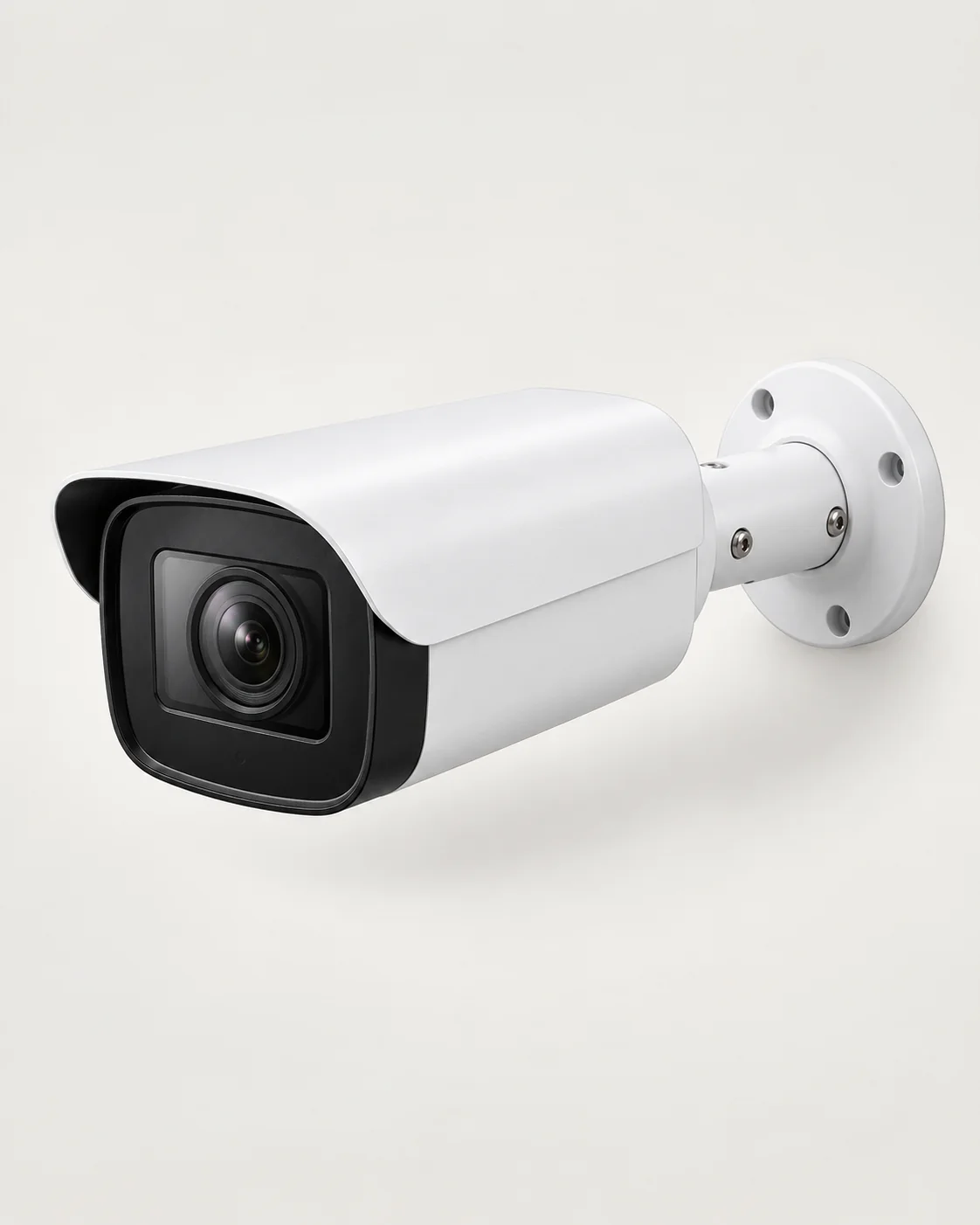 Dahua8MP 4K Outdoor Bullet Camera4K outdoor bullet camera with colour night vision and human/vehicle detection.LKR 27,800In stock
2. Pick resolution by what you need to identify
More megapixels means more detail — but also more storage. Think about pixels on target: how many pixels cover one metre of the scene at the distance you care about. The IEC 62676-4 standard uses these guide levels:
- Detect (something is there): about 25 pixels per metre
- Observe (what someone is doing): about 62 px/m
- Recognise (someone you know): about 125 px/m
- Identify (a stranger, beyond reasonable doubt): about 250 px/m
In practice: 4MP covers most indoor rooms and entrances well; use 8MP (4K) where one camera covers a wide area or you need detail at a distance. A narrower lens (for example 4 mm instead of 2.8 mm) also puts more pixels on a distant target.
3. Size the NVR
Choose an NVR with:
- enough channels for every camera plus room to grow (8, 16 or 32),
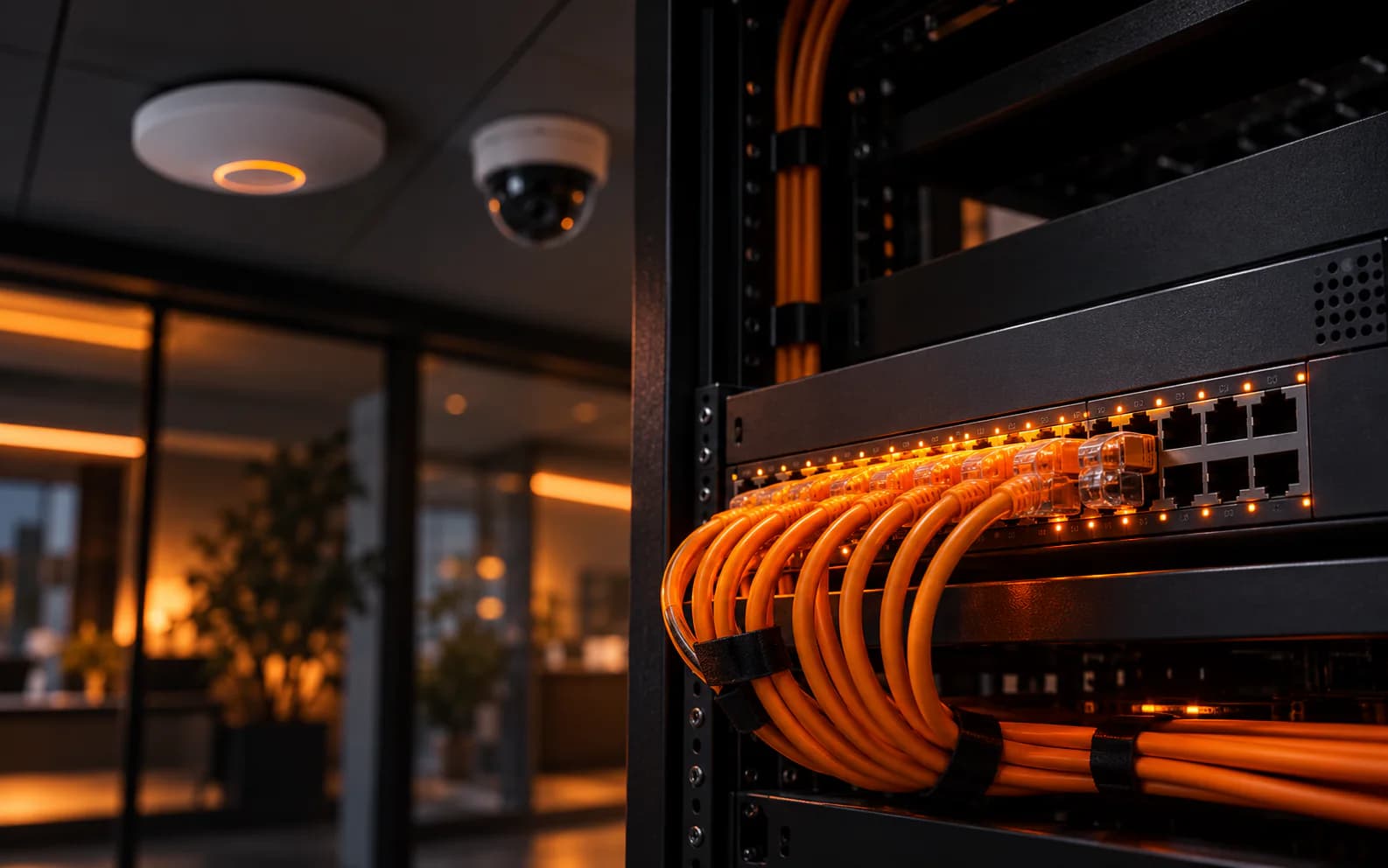
- built-in PoE ports if you want to plug cameras straight in — handy for up to 16 cameras,
- recording resolution at least as high as your cameras (4K cameras need a 4K NVR),
- enough drive bays for the storage you calculate next.
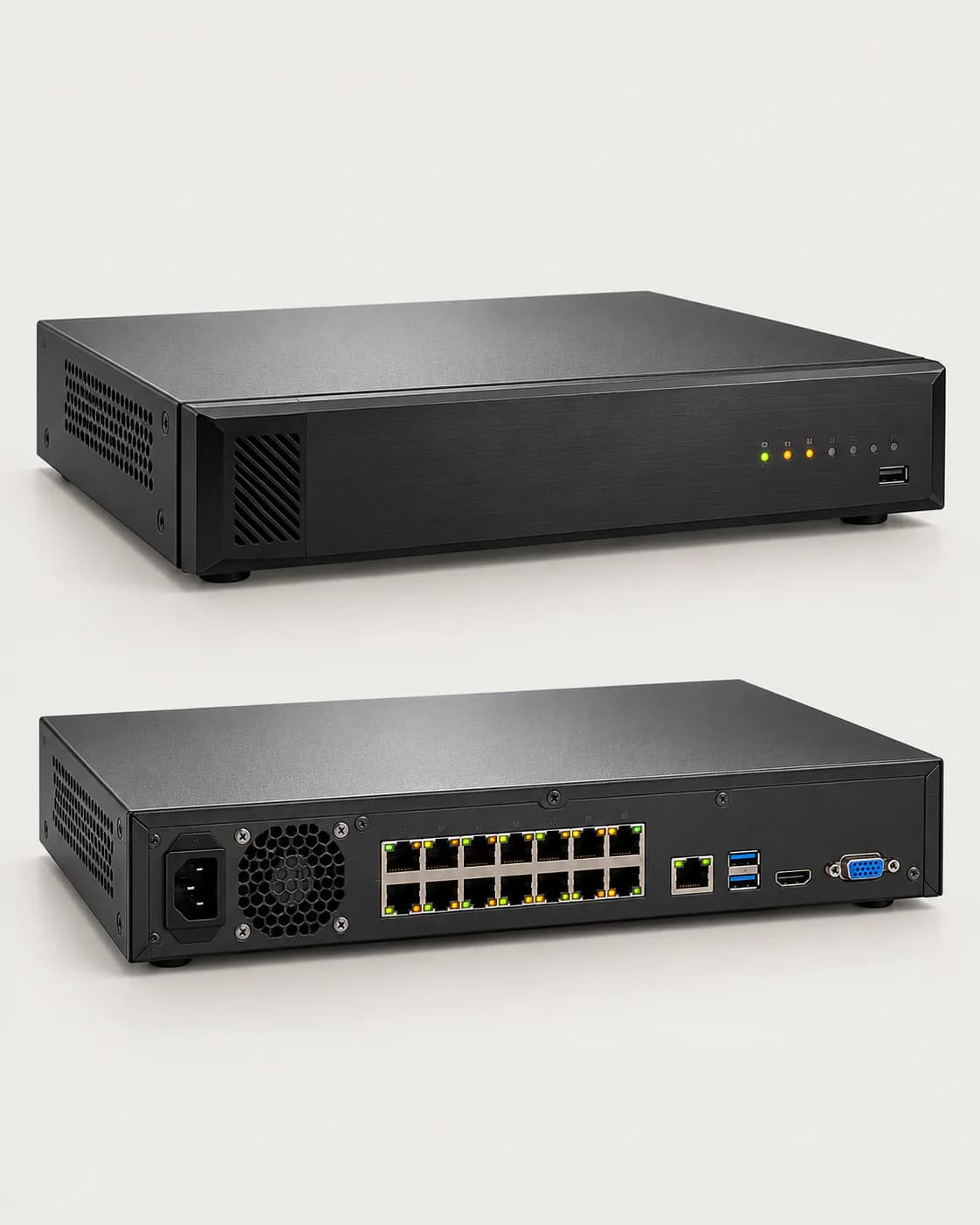 Hikvision16-Channel 4K PoE NVRNetwork video recorder with 16 built-in PoE ports and 2 drive bays for up to 20 TB.LKR 89,000In stock
4. Work out how much storage you need
Storage depends on each camera's bitrate (how much video data it produces per second) and how many days you want to keep.
A useful rule: 1 Mbps of continuous recording ≈ 0.45 GB per hour ≈ 10.8 GB per day.
Bitrates vary with scene activity, frame rate and compression, so check the camera's datasheet. Recording on motion or using smart codecs such as H.265+ can cut storage substantially.
Use surveillance-rated hard drives. They're built for 24/7 writing from many cameras; desktop drives aren't.
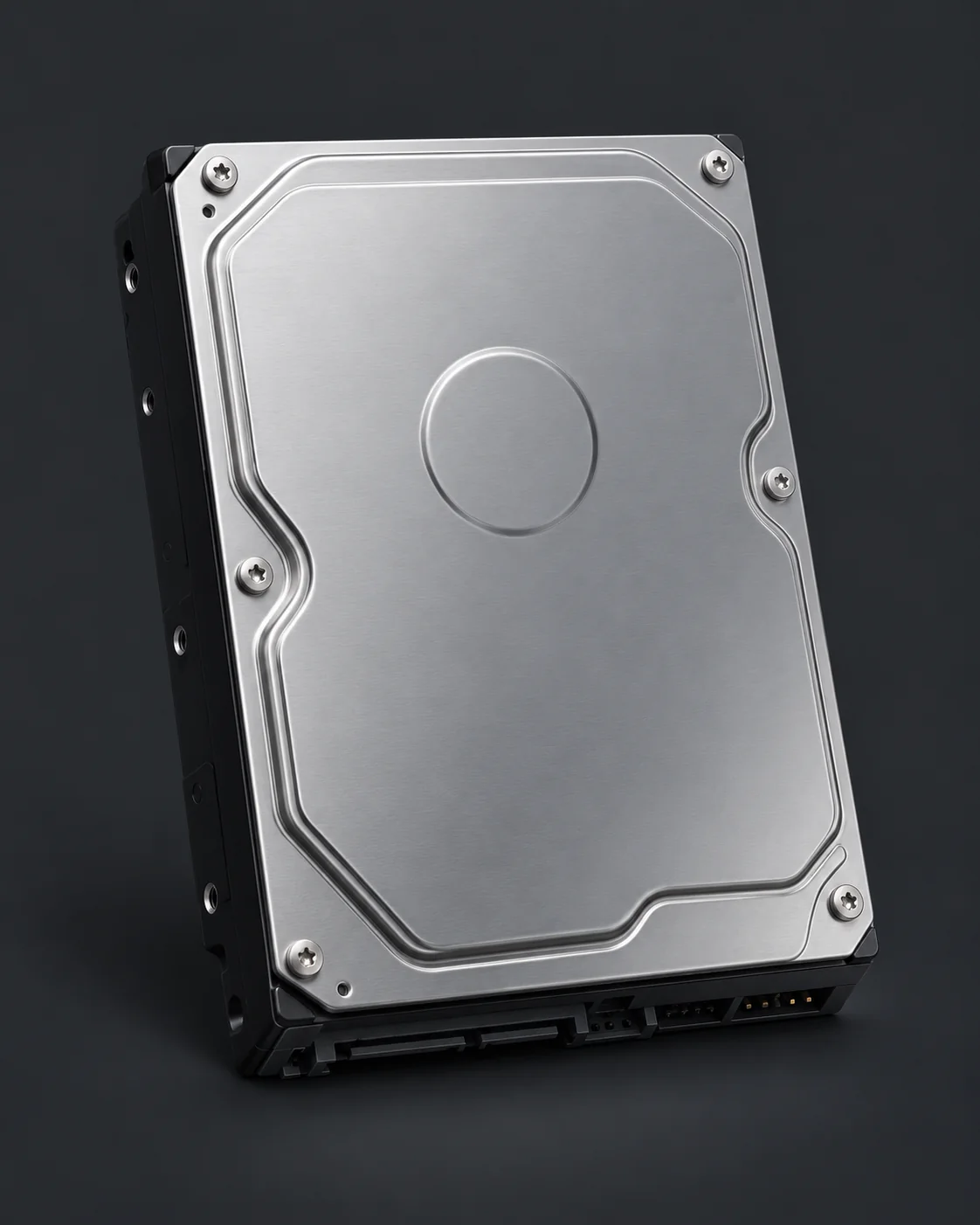 Hikvision4 TB Surveillance Hard Drive3.5-inch SATA drive built for 24/7 CCTV recording in NVRs and NAS.LKR 28,500In stock
5. Power and cabling
- PoE: add up the cameras' maximum power (IR night vision and heaters raise it) and make sure the NVR's PoE ports or your PoE switch can supply it — see how to choose a PoE switch.
- Cable: solid-copper Cat6, with each run under 100 m.
- Protection: use weatherproof junction boxes for outdoor connections and an Ethernet surge protector for long outdoor runs.
- Backup power: put the NVR and PoE switch on a UPS so recording continues through power cuts — see what size UPS you need.
6. Secure your system
- Change every default password and use strong, unique ones.
- Keep camera and NVR firmware up to date.
- Don't expose the NVR directly to the internet — use the manufacturer's secure app or a VPN for remote viewing.
- Put cameras on their own VLAN, separate from office computers.
- Point cameras at your own property and respect people's privacy.
Quick checklist
- Right camera type and resolution for each location
- NVR with enough channels, PoE ports and 4K support
- Storage sized for your retention period, on surveillance drives
- PoE budget, Cat6 cable under 100 m, surge and weather protection
- UPS for the NVR and switch
- Passwords changed, firmware updated, no direct internet exposure
Want us to plan it for you? Send us your site details — the number of areas to cover and how long you need to keep footage — and we'll put together a complete system quote.