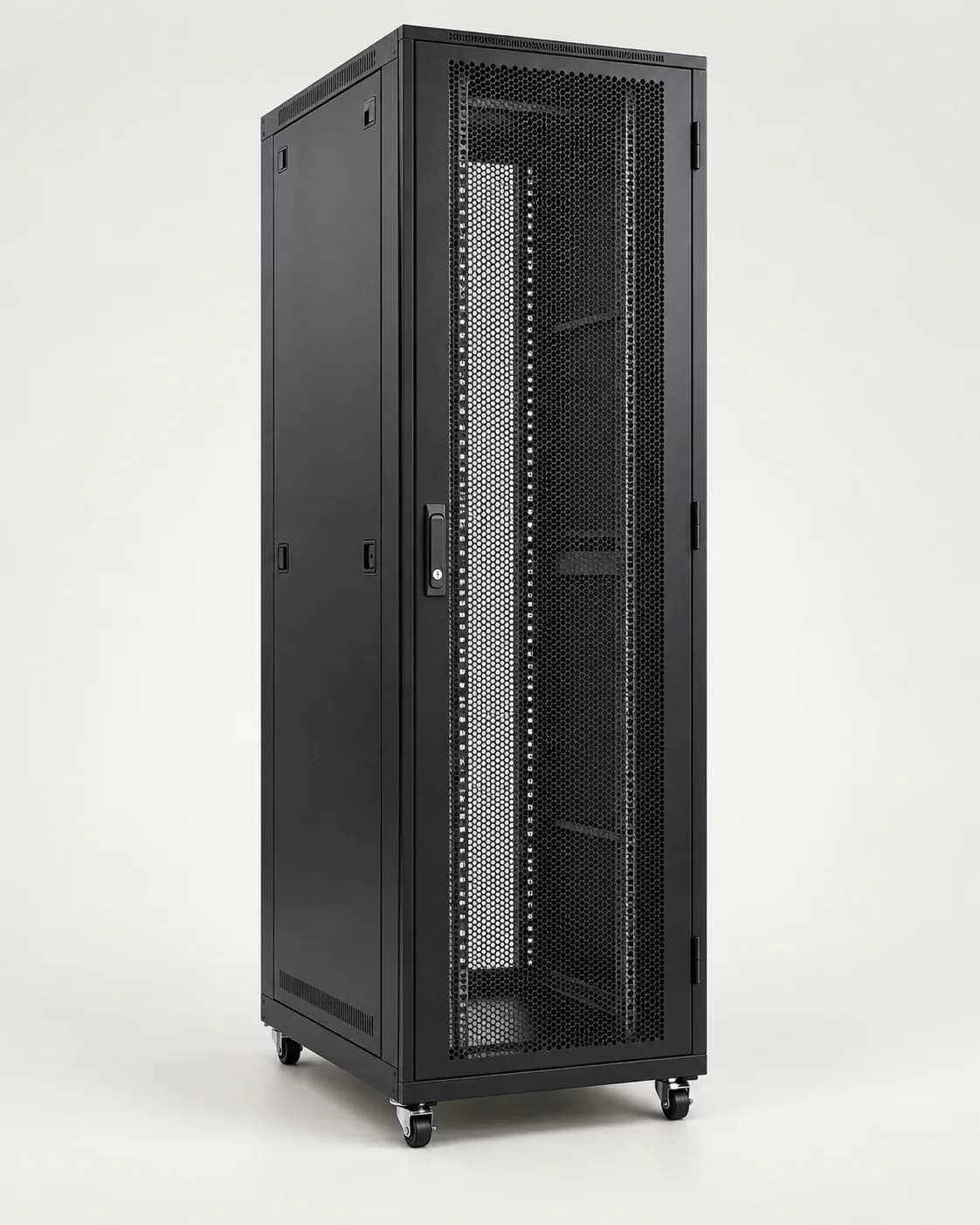
What Size UPS Do I Need? A Simple Sizing Guide
VA or watts? Line-interactive or online? Work out the right UPS for your server rack, network cabinet or CCTV recorder in four simple steps.
By AccessStore.lk TeamUpdated 3 min read

To size a UPS, add up the watts of everything you'll plug into it, add 20–25 % headroom, and choose a UPS whose watt rating is at least that total — then check the manufacturer's runtime chart to make sure it runs long enough. The type of UPS matters too: servers and sensitive network equipment are best on an online (double-conversion) UPS.
Step 1: List your equipment and its power
Find each device's power consumption in watts (W) on its label or datasheet. If only amps are listed, multiply by the supply voltage (230 V in Sri Lanka) for a rough figure. Measured values from a plug-in power meter are even better.
| Example device | Power (W) |
|---|---|
| Rack server | 350 |
| 24-port PoE switch (including the power its PoE devices draw) | 220 |
| Firewall | 30 |
| 4-bay NAS | 45 |
| 16-channel NVR with drives | 40 |
| Total | 685 W |
Step 2: Add headroom
Running a UPS at 100 % shortens runtime and battery life and leaves no room for new equipment. Multiply your total by 1.25:
685 W × 1.25 ≈ 860 W.
Step 3: Convert watts to VA
UPS models are rated in VA (volt-amperes) and W (watts). The ratio between them is the power factor: a 3 kVA UPS rated at 2.7 kW has a power factor of 0.9. Always check that both ratings cover your load — the watt rating is the one people most often exceed.
For our example, an ~860 W load needs a UPS rated at least 860 W. A 1.5 kVA model with a 0.9 power factor (about 1,350 W) gives comfortable headroom — but a 1.5 kVA model rated only 900 W would be too tight, which is why the watt rating matters. A 3 kVA UPS suits a fuller rack and longer runtime.
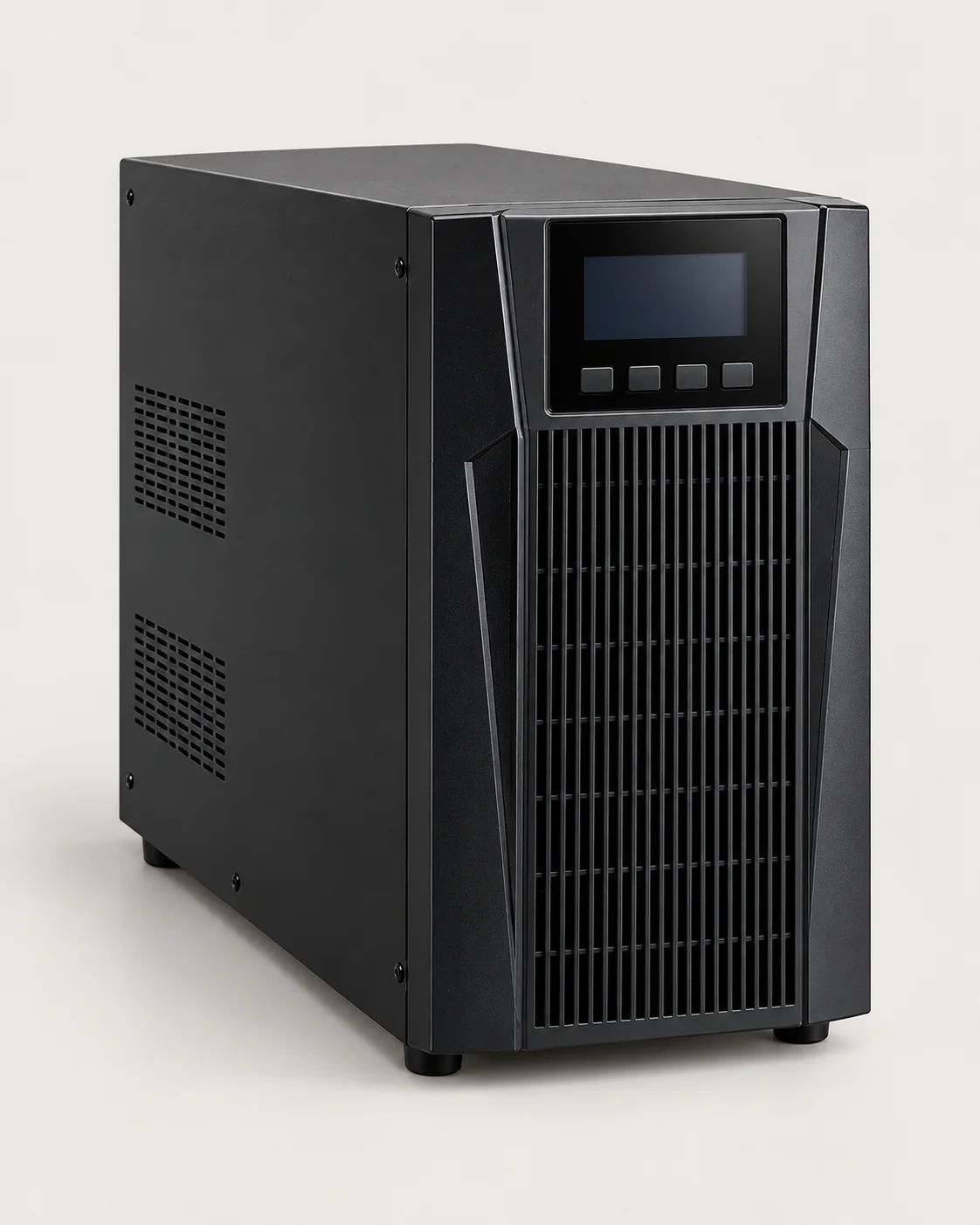 APC3kVA Online Double-Conversion UPS3 kVA / 2.7 kW online double-conversion UPS — rack or tower, for server racks and busy network cabinets.LKR 245,000In stock
Step 4: Plan the runtime
Runtime depends on battery capacity and how heavily the UPS is loaded — a lighter load runs much longer. Use the manufacturer's runtime chart to read off minutes at your load. Decide what you need the runtime for:
- Ride through short power cuts and fluctuations: 5–10 minutes is usually enough.
- Shut servers down safely: enough time for automatic shutdown software to finish.
- Keep CCTV and Wi-Fi running through longer outages: consider external battery packs or a generator plus UPS.
Which type of UPS?
- Offline / standby: switches to battery when power fails. Fine for a single PC.
- Line-interactive: adds automatic voltage regulation (AVR) to correct voltage dips and surges without using the battery — good for small network cabinets.
- Online double-conversion: continuously rebuilds clean power with zero transfer time. The best choice for servers, storage and anywhere power quality varies.
Look after the batteries
Sealed lead-acid UPS batteries typically need replacing every 3–5 years, sooner in hot rooms. Keep the UPS somewhere cool and ventilated, test it periodically, and never plug laser printers or heaters into it — their power surges can overload it.
Quick checklist
- Total watts of every device (including PoE loads)
- × 1.25 headroom
- UPS watt and VA ratings both above your load
- Runtime checked on the manufacturer's chart
- Online UPS for servers and sensitive equipment
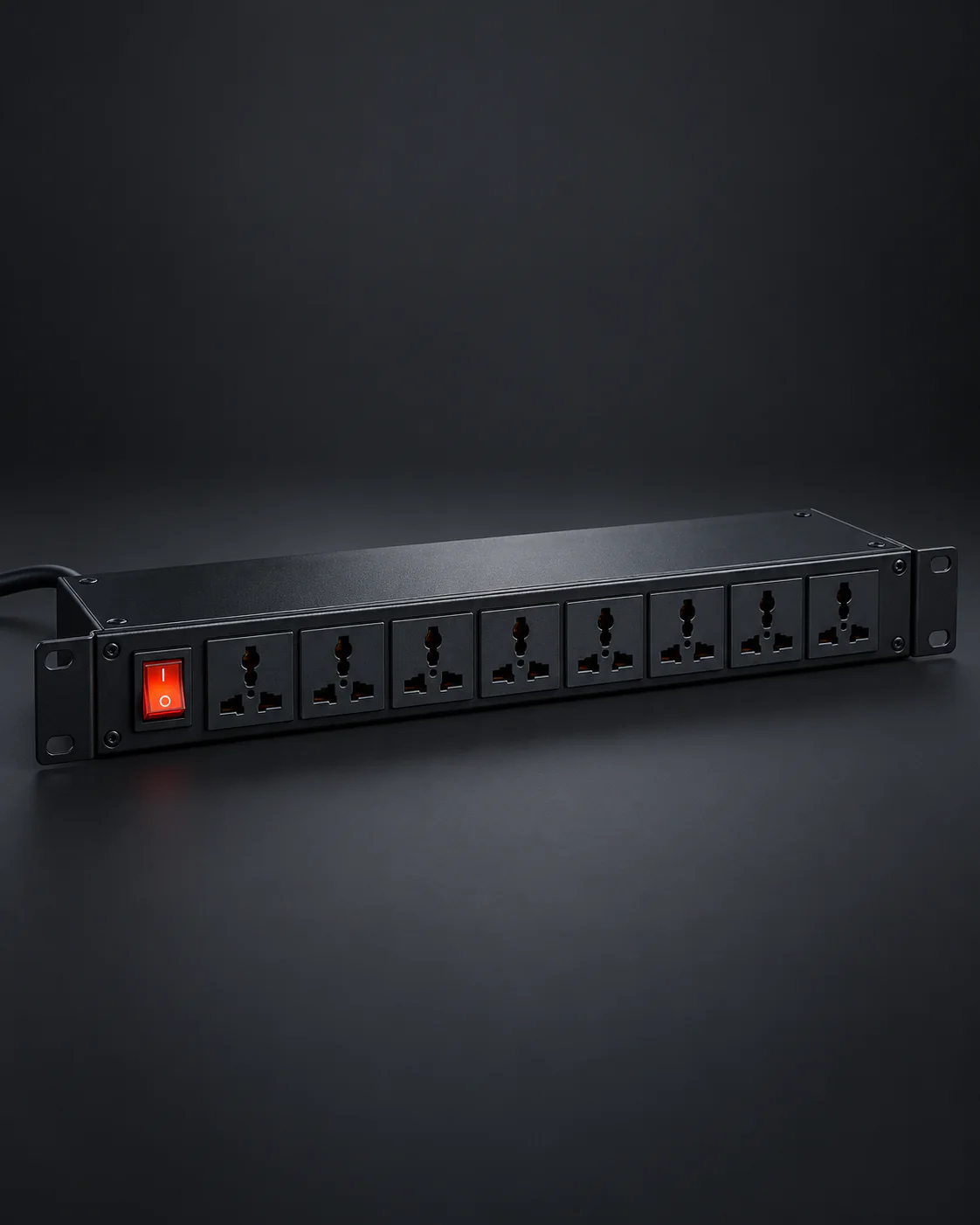
- A rack PDU to distribute power neatly in the rack
Need help sizing a UPS for your server room? Send us your equipment list and we'll recommend the right model and runtime.