Wi-Fi 6 vs Wi-Fi 7 Access Points: Which Should Your Office Buy?
Wi-Fi 7 promises multi-gigabit speed and lower latency, but it needs the right devices, PoE and switching. Here's how to decide between Wi-Fi 6 and Wi-Fi 7 for your building.
By AccessStore.lk TeamUpdated 3 min read
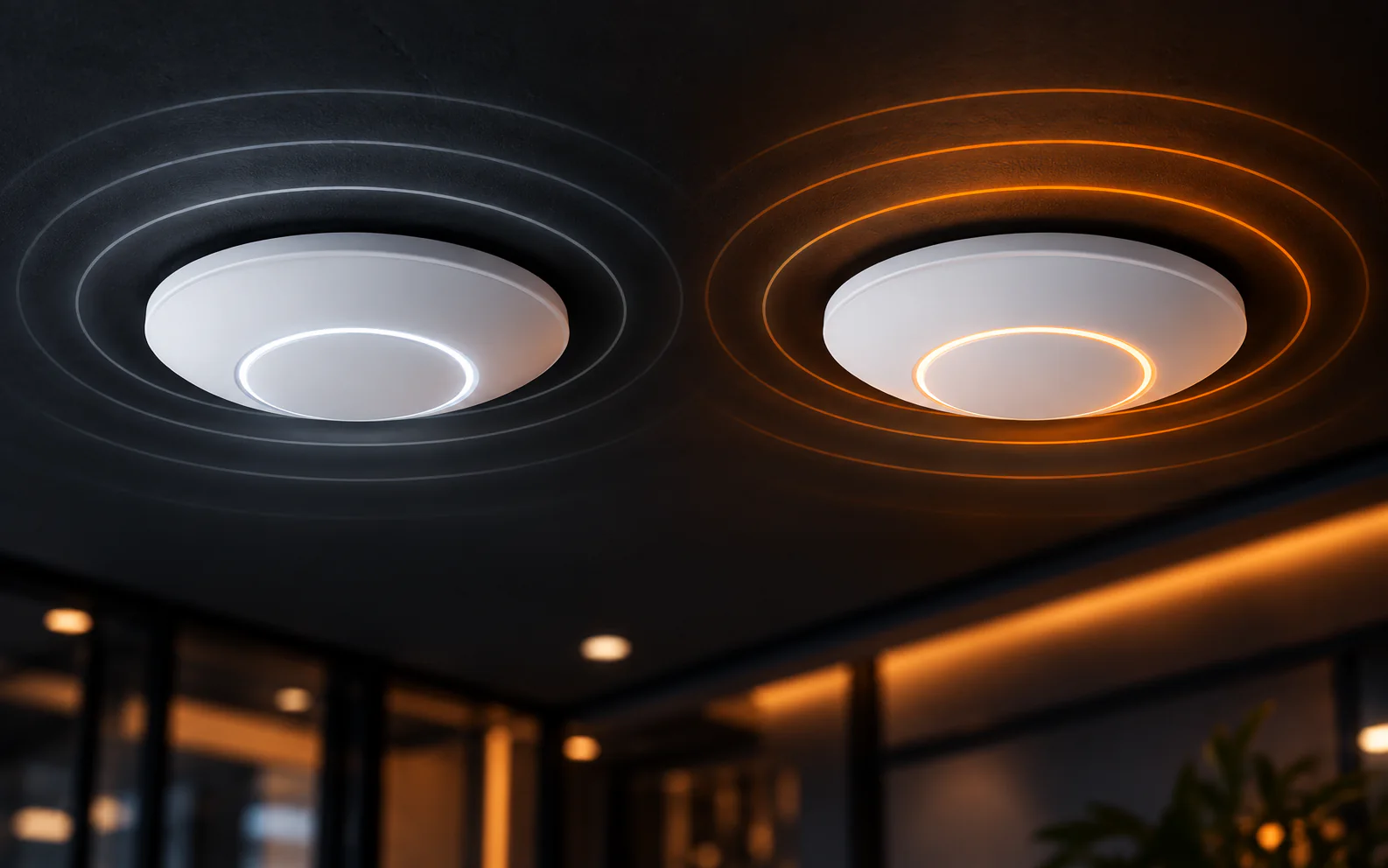
For most offices, hotels and schools buying today, Wi-Fi 6 access points are the best value: they serve many devices at once, work with almost every laptop and phone in use, and run on standard PoE+ switches. Wi-Fi 7 makes sense for new, high-density buildings where most devices already support it and you're ready to upgrade switching and cabling to match.
What changed from Wi-Fi 6 to Wi-Fi 7
| Wi-Fi 6 (802.11ax) | Wi-Fi 7 (802.11be) | |
|---|---|---|
| Bands | 2.4 GHz and 5 GHz (Wi-Fi 6E adds 6 GHz) | 2.4, 5 and 6 GHz |
| Widest channel | 160 MHz | 320 MHz (6 GHz only) |
| Modulation | 1024-QAM | 4096-QAM |
| Multi-Link Operation | No | Yes — uses several bands at once |
| Key strength | Efficiency with many devices (OFDMA, MU-MIMO) | Higher peak speed and lower latency |
Wi-Fi 6 was about serving more devices efficiently — OFDMA lets an access point talk to many phones and laptops in the same transmission, which is exactly what busy meeting rooms and lobbies need. Wi-Fi 7 builds on that with wider channels, denser modulation and Multi-Link Operation (MLO), which together raise top speeds and cut latency.
The 6 GHz question
Wi-Fi 7's headline features — 320 MHz channels in particular — depend on the 6 GHz band. Two things decide whether you'll benefit:
- Regulation: the 6 GHz band must be permitted for Wi-Fi where the access point is installed, and the access point must be configured for that country.
- Your devices: laptops and phones need Wi-Fi 6E or Wi-Fi 7 radios to use 6 GHz at all.
Your devices decide the real-world speed
Wi-Fi speed is set by the slowest side of the connection. If most staff laptops and phones are Wi-Fi 5 or Wi-Fi 6, a Wi-Fi 7 access point can't make them faster than their own radios allow. Walk the office and check: the Wi-Fi standard is listed in each device's specifications.
Hidden costs: PoE and switching
Faster access points need more power and faster uplinks:
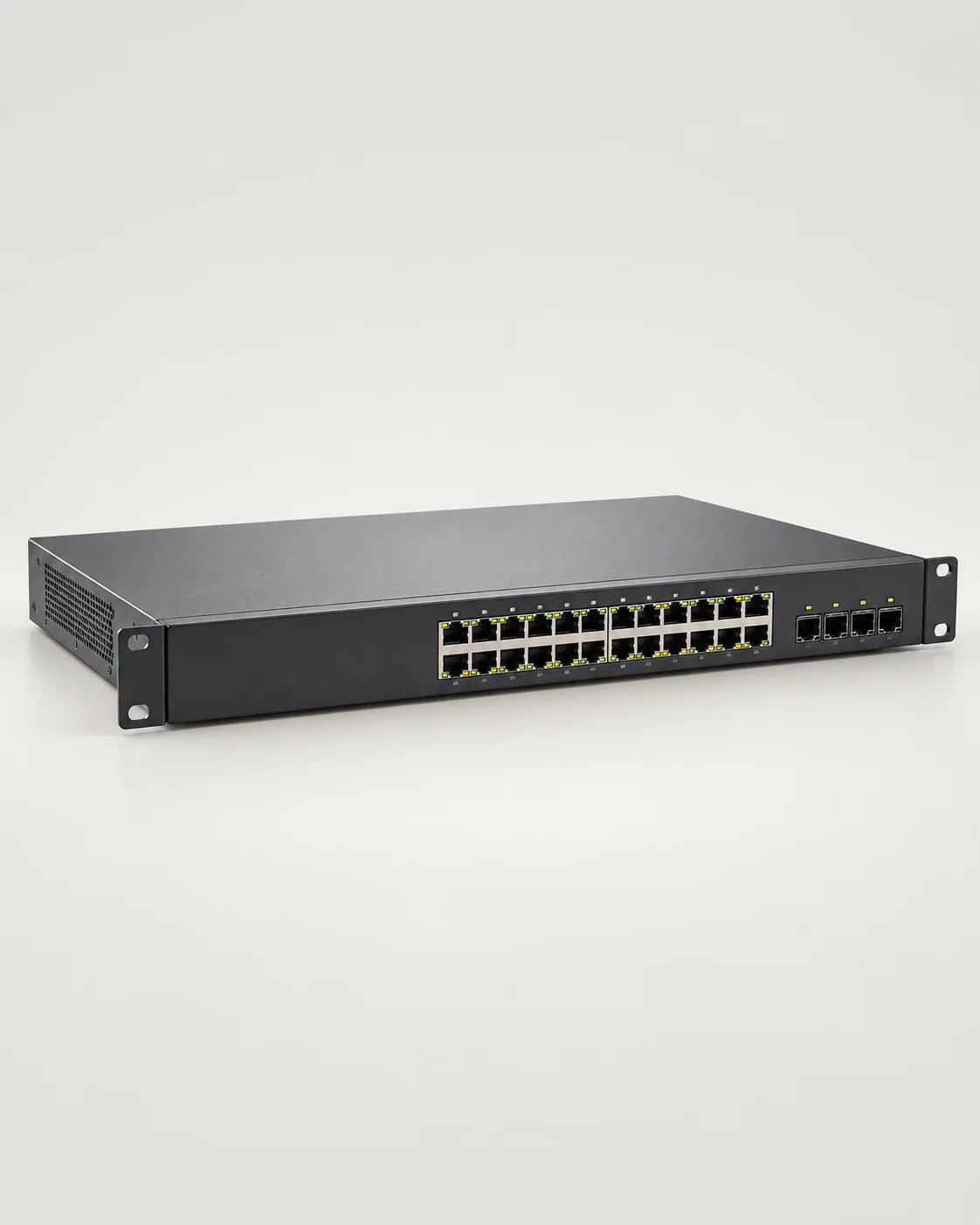
- Many Wi-Fi 7 access points need PoE++ (802.3bt) rather than PoE+, so older switches may not power them fully.
- They often have 2.5G, 5G or 10G Ethernet ports. Plugging them into a 1 Gbps switch port caps their throughput.
- Multi-gigabit links need good cabling — Cat6 or better for 2.5G/5G, and Cat6A for reliable 10G over longer runs.
Budget for the switch and cabling, not just the access points. See our guide to choosing a PoE switch.
Which should you buy?
Choose Wi-Fi 6 if:
- most of your devices are Wi-Fi 5 or Wi-Fi 6,
- you want to reuse existing PoE+ switches and Cat6 cabling,
- your priority is stable coverage for many users at a sensible price.
Choose Wi-Fi 7 if:
- you're fitting out a new building or doing a full network refresh,
- many users have Wi-Fi 7 or 6E devices and 6 GHz is available,
- you're upgrading to multi-gigabit PoE++ switching anyway.
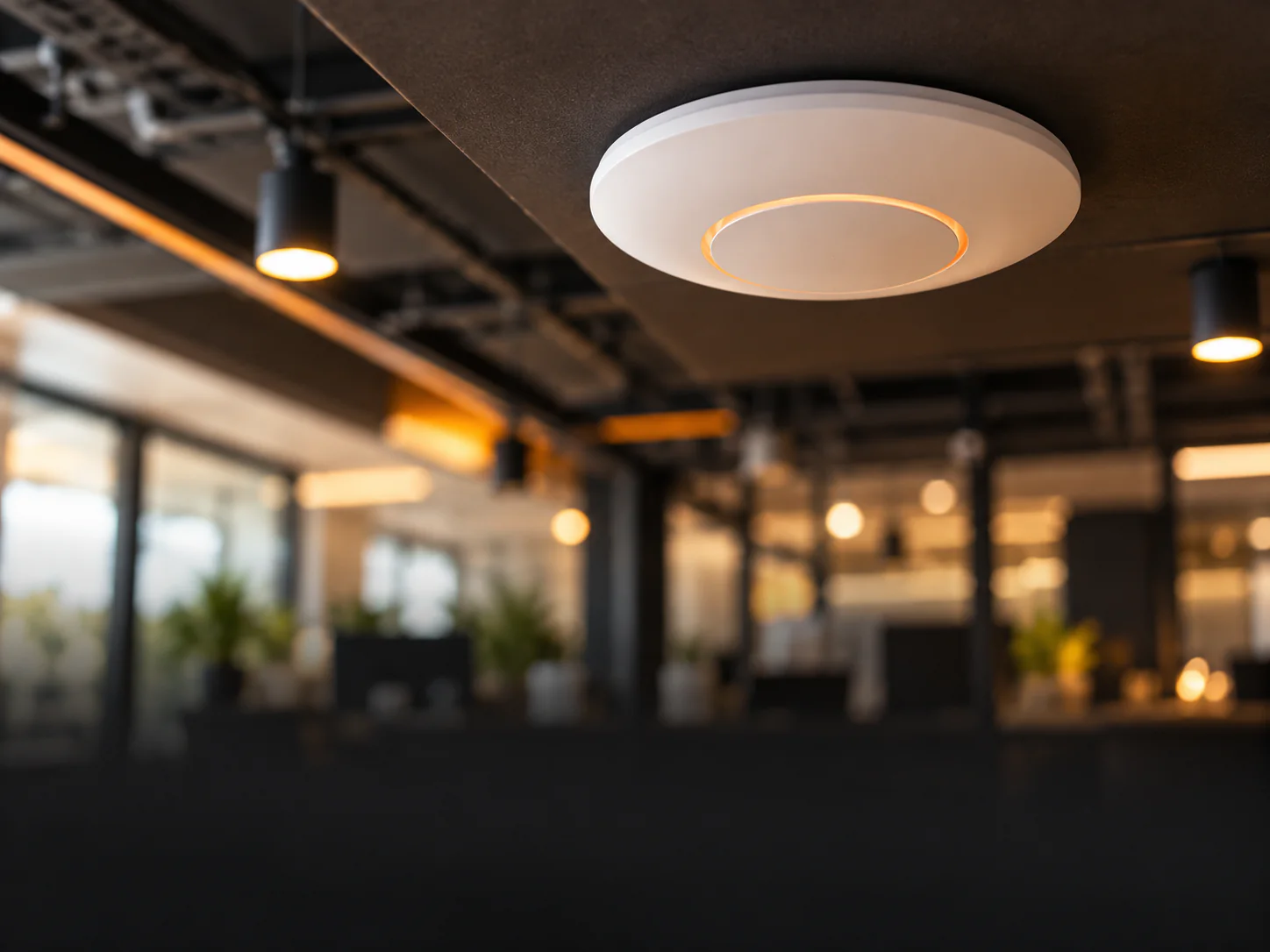
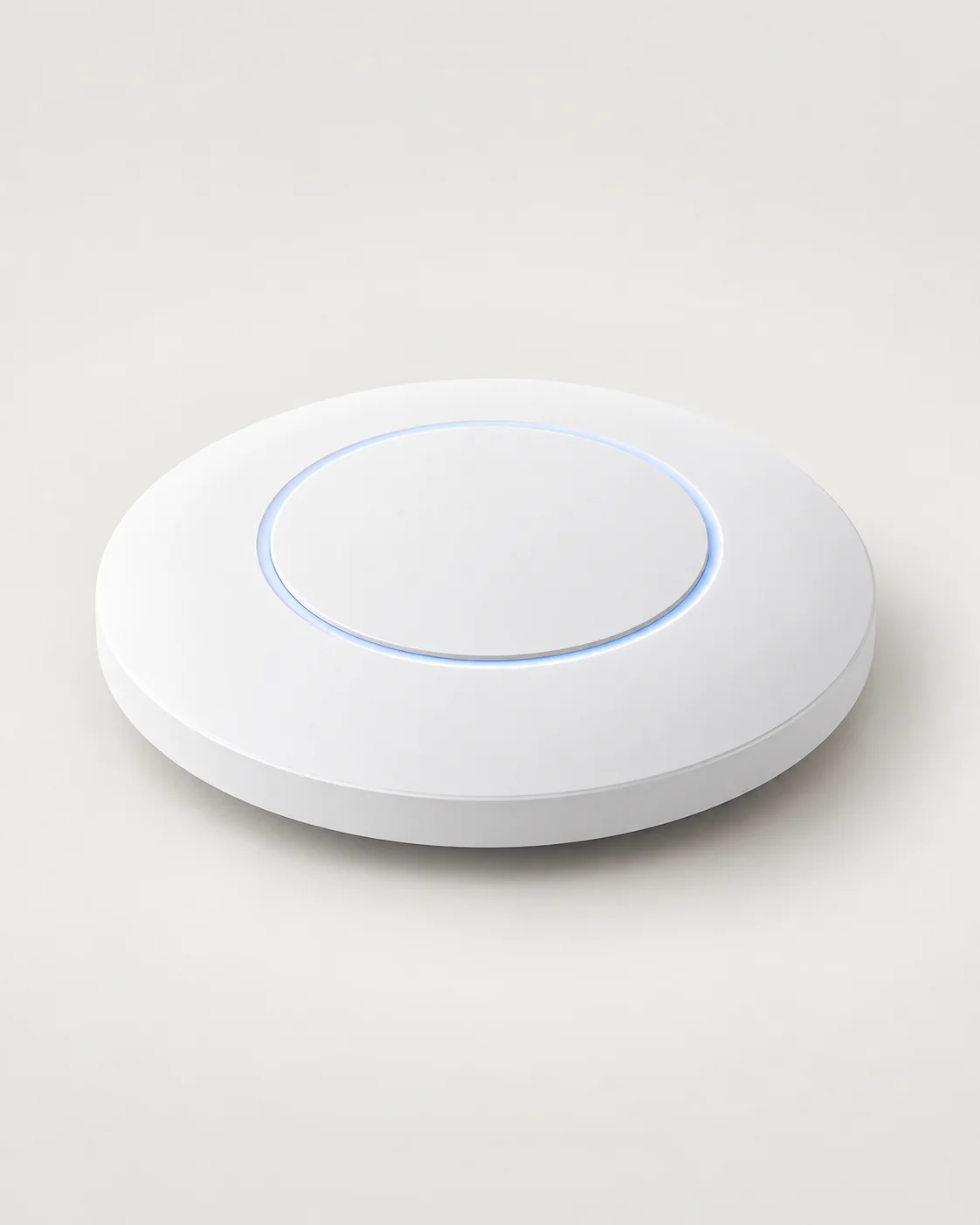 UbiquitiWi-Fi 6 Dual-Band Ceiling Access PointWi-Fi 6 AX3000, up to 250 clients, powered by standard PoE+ — the sensible choice for most offices today.LKR 44,900In stock
Coverage matters more than the standard
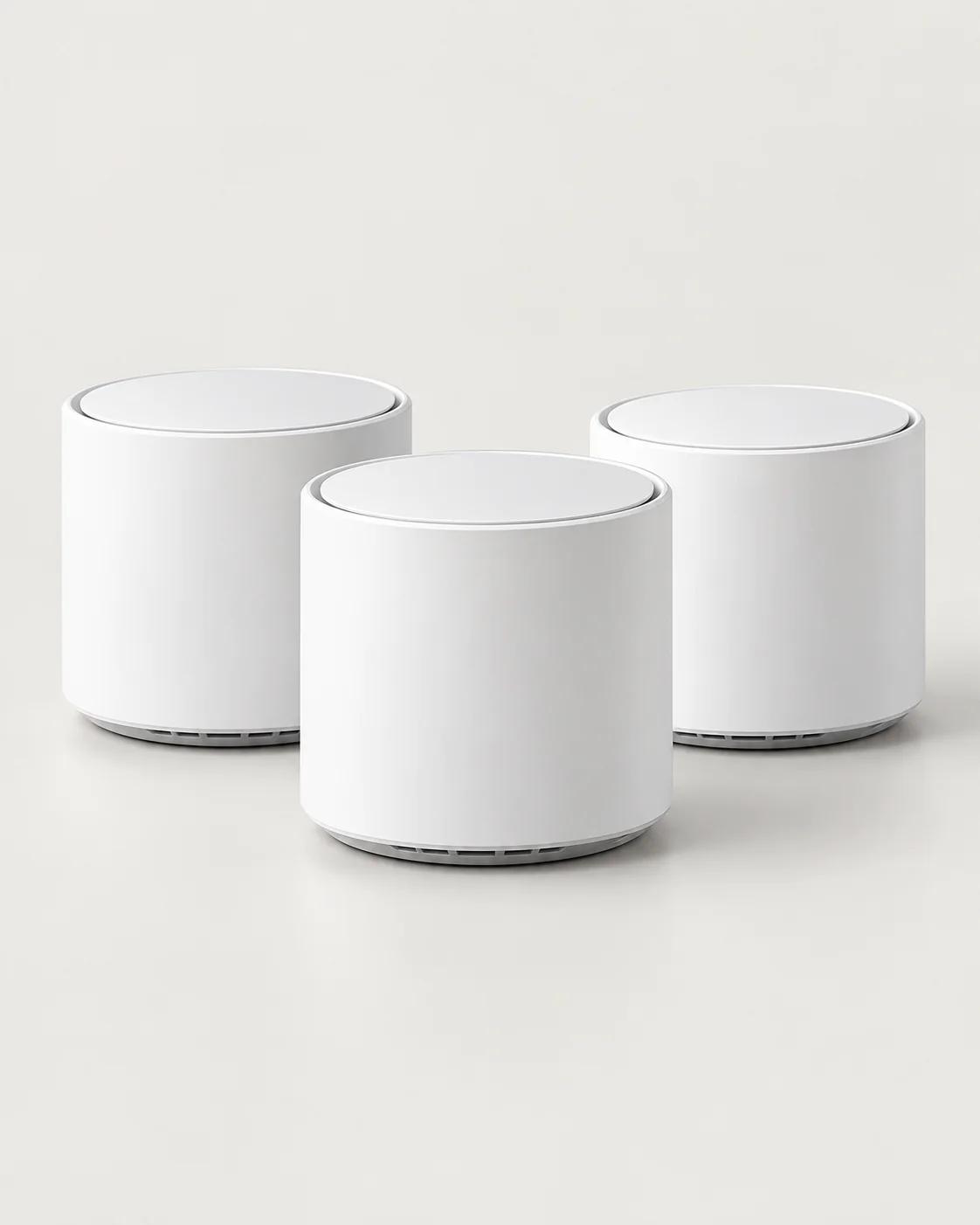
A well-planned Wi-Fi 6 network beats a badly placed Wi-Fi 7 one. Place access points where people actually sit, account for concrete walls and floors (common in Sri Lankan buildings), and use a controller so devices roam smoothly between access points. For homes and small offices without cabling to every room, a mesh system is the easiest way to remove dead zones.
Planning Wi-Fi for an office, hotel or school? Tell us about your building and we'll recommend the right access points and quantities.