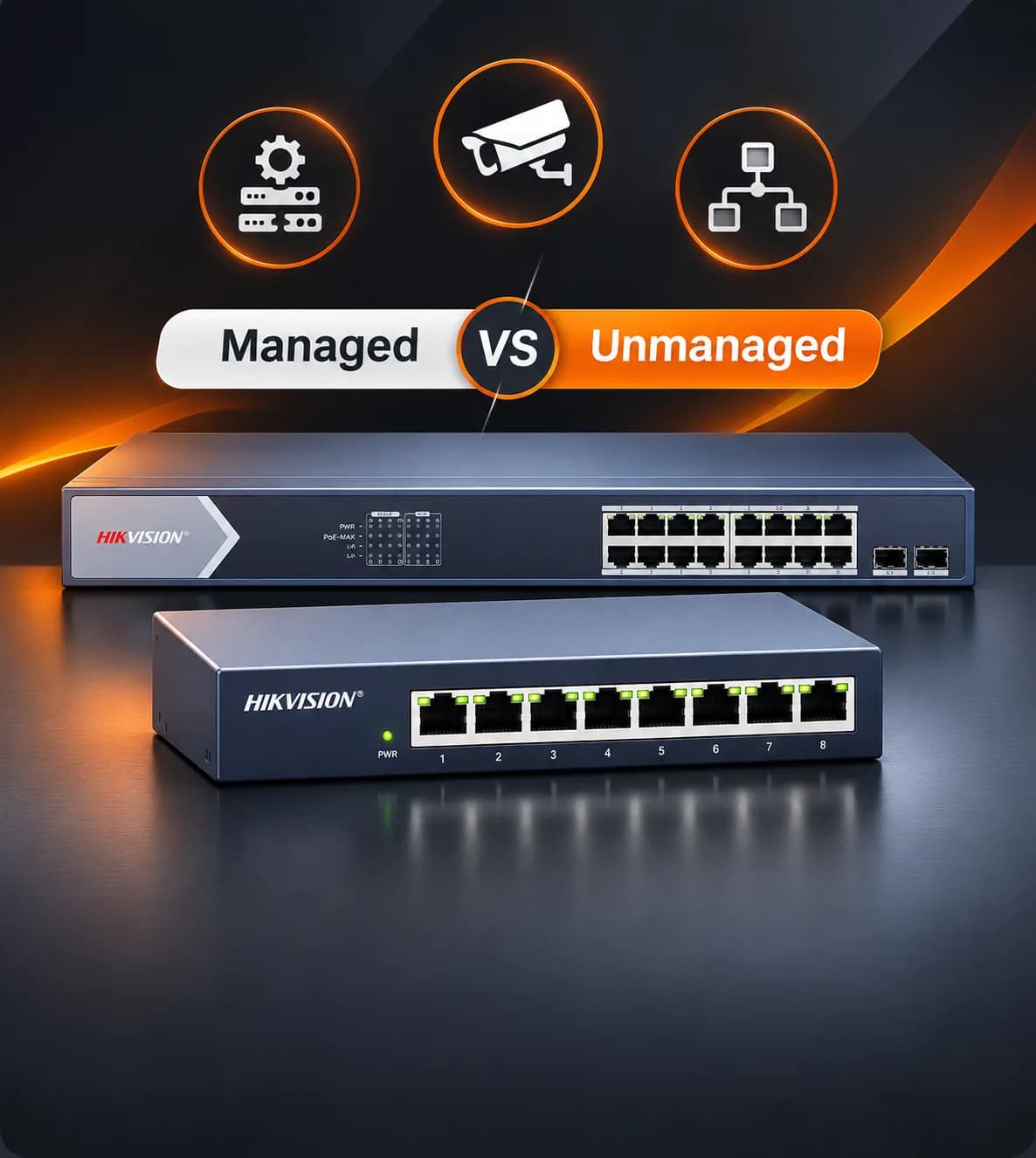
Hikvision Unmanaged Switch in Sri Lanka
Hikvision unmanaged switches in Sri Lanka — PoE and gigabit models, 5 to 28 ports, for home, office and CCTV. Price on request at AccessStore.lk.
By Amesha · AccessStore.lk8 min read
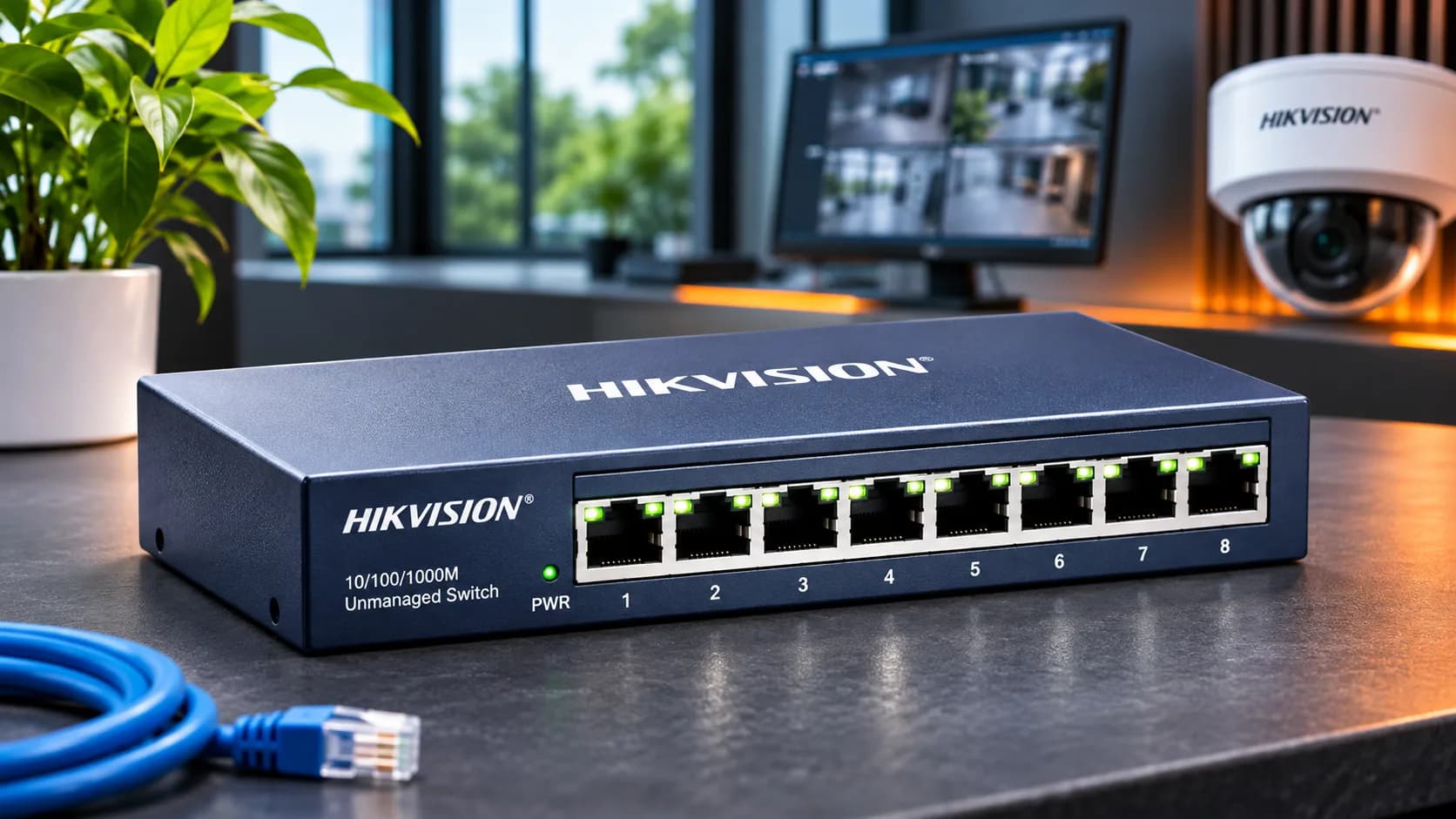
Hikvision unmanaged switches suit homes, offices, shops, hotels and schools that want a network that just works — plug the cables in and it runs, with no configuration, no login and no software to manage. Every pick below is a genuine Hikvision DS-3E model supplied by AccessStore.lk from Sri Lanka, with local warranty and islandwide delivery. All 34 models are quoted per setup, so tell us how many devices you need to connect and we will size the switch and quote it for you.
Short answer: the Hikvision DS-3E0518P-E/M 18-Port Gigabit PoE Switch is the best Hikvision unmanaged switch in Sri Lanka for most buyers. It is a gigabit PoE switch with 16 PoE ports, 2 SFP fibre uplinks and a 125W PoE budget, so it powers a room full of cameras, access points and phones from one rack-mount box without needing an upgrade a year later.
Best overall: Hikvision DS-3E0518P-E/M 18-Port Gigabit PoE Switch
This is the switch to buy if you want one model that does everything well. It is a gigabit unmanaged switch with 16 PoE ports, 2 SFP fibre uplinks and a 125W PoE budget, so it powers cameras, Wi-Fi access points and IP phones while the SFP ports carry the link back to your router or NVR over fibre. It mounts in a rack, runs on standard PoE (802.3af/at, up to 30W per port), and covers a small to medium office, a shop or a school floor on its own. See the DS-3E0518P-E/M.
Best budget / home: Hikvision DS-3E0105P-E/M(C) 5-Port Fast Ethernet PoE Switch
The sensible starting point for a home or a small shop. This compact 5-port Fast Ethernet switch has 4 PoE ports and 1 uplink, with a 45W PoE budget — enough for a few CCTV cameras or one access point plus cameras — and a 300 m long-range mode for a camera at the far end of the property. It is small, silent and plug-and-play, so it sits on a desk or a wall without a rack. See the DS-3E0105P-E/M(C).
Best small office gigabit: Hikvision DS-3E0510P-E/M 10-Port Gigabit PoE Switch
For a small office that wants gigabit everywhere, this is the pick. It is a 10-port gigabit switch with 8 PoE ports, 1 gigabit RJ45 uplink and 1 SFP fibre uplink, with a 58W PoE budget — enough for a handful of cameras and access points with a fast link back to the router. Gigabit on every port means the uplink never becomes the bottleneck when several cameras record at once. See the DS-3E0510P-E/M.
Best 24-port: Hikvision DS-3E0526P-E/M(B) 26-Port Gigabit PoE Switch
For a bigger install, step up to the 26-port model. It is a gigabit switch with 24 PoE ports, 2 SFP fibre uplinks and a 225W PoE budget, so it powers a full floor of cameras and access points from one box. Choose it for a hotel, a school or an office with more than a dozen PoE devices, and add a second one later if the device count grows. See the DS-3E0526P-E/M(B).
Best non-PoE: Hikvision DS-3E0524-E(C) 24-Port Gigabit Switch
Not every device needs power over the cable. This is a 24-port gigabit switch with no PoE — 24 gigabit RJ45 ports for PCs, printers, TVs and any device that already has its own power — so you pay only for the ports you use. Pick it for a computer lab, an office floor of desktops, or as the second switch next to a PoE model. See the DS-3E0524-E(C).
Best for CCTV: Hikvision DS-3E0318P-E(C) 18-Port Fast Ethernet PoE Switch
CCTV systems need a switch built for cameras, and this is the one. It is an 18-port Fast Ethernet switch with 16 PoE ports, 2 gigabit combo uplinks and a 225W PoE budget, with a PoE watchdog that restarts a hung camera port automatically, port isolation that keeps cameras from talking to each other, VIP ports for the cameras that matter most, and a 300 m long-range mode for cameras far from the rack. It mounts in a rack and suits a 16-camera install with room to grow. See the DS-3E0318P-E(C).
Best Hi-PoE: Hikvision DS-3E0528HP-E 28-Port Gigabit Hi-PoE Switch
For high-power devices, step up to Hi-PoE. This is a 28-port gigabit switch with 20 PoE ports, 4 Hi-PoE ports delivering up to 90W each, 2 gigabit RJ45 uplinks and 2 fibre uplinks, with a 370W PoE budget. The Hi-PoE ports power PTZ cameras and other high-draw devices that standard 30W PoE cannot, while the remaining ports run ordinary cameras and access points. It mounts in a rack and is the strongest unmanaged switch in the range. See the DS-3E0528HP-E.
Compare the picks
| Model | Ports | Speed | PoE budget | Best for |
|---|---|---|---|---|
| DS-3E0518P-E/M | 18 (16 PoE + 2 SFP) | Gigabit | 125W | Best overall |
| DS-3E0105P-E/M(C) | 5 (4 PoE + 1 uplink) | Fast Ethernet | 45W | Best budget / home |
| DS-3E0510P-E/M | 10 (8 PoE + 1 RJ45 + 1 SFP) | Gigabit | 58W | Small office gigabit |
| DS-3E0526P-E/M(B) | 26 (24 PoE + 2 SFP) | Gigabit | 225W | Best 24-port |
| DS-3E0524-E(C) | 24 (no PoE) | Gigabit | — | Best non-PoE |
| DS-3E0318P-E(C) | 18 (16 PoE + 2 combo) | Fast Ethernet | 225W | CCTV |
| DS-3E0528HP-E | 28 (20 PoE + 4 Hi-PoE) | Gigabit | 370W | Hi-PoE / PTZ |
How to choose
Start with the device count. Count every device the switch must power and connect — cameras, access points, phones — then add two spare ports for the next device you will add. A 5-port switch fits a home with a few cameras; an 8 or 10-port fits a small office; 16 ports cover a floor; 24 ports and up are for hotels, schools and multi-floor offices.
Then check the PoE budget, not just the port count. A switch with 16 PoE ports and a 125W budget cannot run 16 devices that each draw 30W — add up the power your devices need and leave headroom. Standard PoE is up to 30W per port; Hi-PoE ports deliver up to 60W or 90W for PTZ cameras and other high-draw devices. If you only need to power one device and your router has no PoE, the DS-3E0502P-E gigabit PoE injector adds 30W of PoE to a single cable without a new switch.
Then choose the speed. Fast Ethernet (10/100 Mbps) is enough for most CCTV cameras and phones, which is why the CCTV picks above are Fast Ethernet. Gigabit matters on the uplink and for anything that moves a lot of data at once — several cameras recording to an NVR, or a busy office floor. When in doubt, gigabit costs little more and removes the speed question entirely.
Finally, check the mounting and the uplinks. Rack-mount models suit a server rack; desk and wall models suit a small room. SFP fibre uplinks carry the link between floors or buildings over fibre; combo uplinks give you the choice of copper or fibre on the same port. Many models also have a 300 m long-range mode for a camera far from the rack, past the usual 100 m Ethernet limit.
Hikvision unmanaged switch price in Sri Lanka
The price depends on the model — port count, PoE budget, gigabit or Fast Ethernet, and Hi-PoE all move it — so there is no single price for the range. All 34 Hikvision unmanaged switches at AccessStore.lk are priced per setup: tell us the model or the device count and we will quote it, with islandwide delivery and local warranty. Request a quote or call AccessStore.lk on +94 76 101 9946.
Frequently asked questions
What is an unmanaged switch? An unmanaged switch works out of the box with no configuration — plug the cables in and it forwards traffic and, on PoE models, powers the devices. There is no web interface, no login and no settings to manage, which is why unmanaged switches suit homes, shops and CCTV installs that do not need VLANs or managed features. If you need VLANs and central management, see our FortiSwitch buying guide for managed switches.
Do Hikvision unmanaged switches need configuration? No. Every DS-3E unmanaged switch in this guide works with no configuration. Plug your cameras, access points or PCs into the PoE or RJ45 ports, connect the uplink to your router or NVR, and the network runs.
Which Hikvision switch is best for CCTV cameras? The DS-3E0318P-E(C) for a 16-camera install — 16 PoE ports, a 225W budget, a PoE watchdog that restarts a hung camera, port isolation and a 300 m long-range mode. For 24 cameras, step up to the DS-3E0326P-E(C) with the same CCTV features and a 370W budget. Count your cameras first, then match the PoE budget.
Gigabit or Fast Ethernet — which do I need? Fast Ethernet is enough for most CCTV cameras and IP phones. Choose gigabit if several cameras record to one NVR at once, if the switch feeds a busy office floor, or if you want the uplink to never be the bottleneck. The price difference is small, so gigabit is the safer long-term pick for a new install.
How do I get the price of a Hikvision unmanaged switch? All 34 models are priced per setup at AccessStore.lk. Request a quote or call +94 76 101 9946 with the model name or your device count, and we will quote it with islandwide delivery.
Find your switches
Browse the full Hikvision switch range, the wider Switches range, or the CCTV range if you are building a camera system. See all 34 unmanaged switches in one list. If you are choosing PoE for the first time, read our guide to choosing a PoE switch, which explains PoE budgets, 300 m long-range mode and uplinks in plain language.
Tell us about your building, your camera count and device count, and we will recommend the right Hikvision switch and quote the full setup, with islandwide delivery. Request a quote or call AccessStore.lk on +94 76 101 9946.