Managed vs Unmanaged Switches in Sri Lanka | Buying Guide
Managed switches give you VLANs, control and remote management; unmanaged switches are plug-and-play. Which one fits your office, hotel or CCTV setup?
By Amesha · AccessStore.lk6 min read
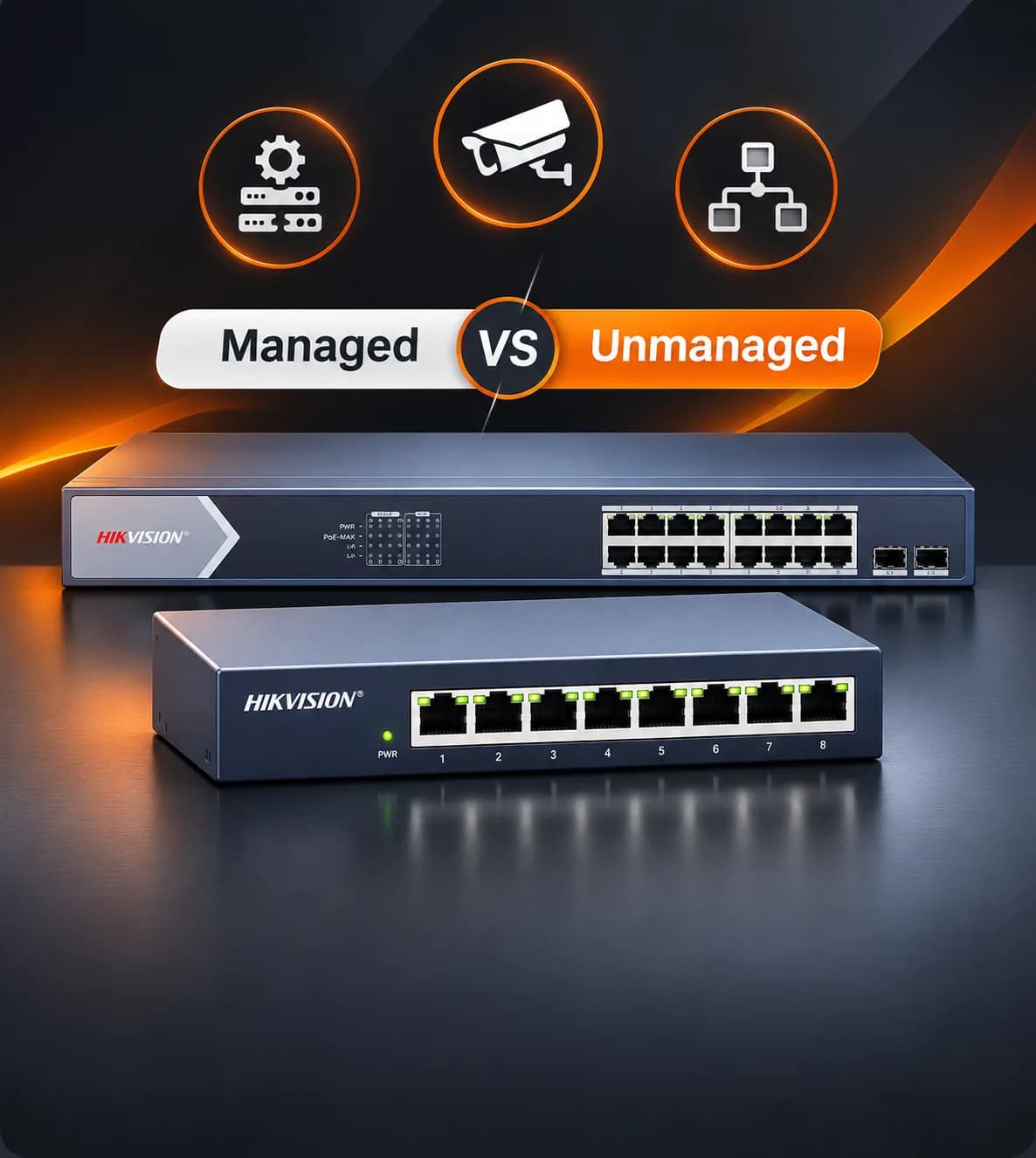
A network switch connects your devices together — computers, access points, cameras, printers — so they can talk to each other and to the internet. The first choice you face is managed or unmanaged, and it matters more than the brand. A managed switch gives you control: you decide which devices can see each other, which traffic gets priority, and you can watch and change everything from a dashboard. An unmanaged switch gives you simplicity: plug the cables in and it works, with nothing to configure.
Both are the right answer somewhere. This guide explains the difference in plain language, when each one fits, and what to check — especially PoE, the part that powers your access points and cameras.
What is a managed switch?
A managed switch is configured and monitored centrally. From a dashboard you can set up VLANs (virtual networks that keep groups of devices apart — staff Wi-Fi separate from guest Wi-Fi, cameras separate from office computers), give priority to voice or video traffic, see which ports are busy or failing, and update firmware for the whole switch at once. If something goes wrong, the dashboard tells you where.
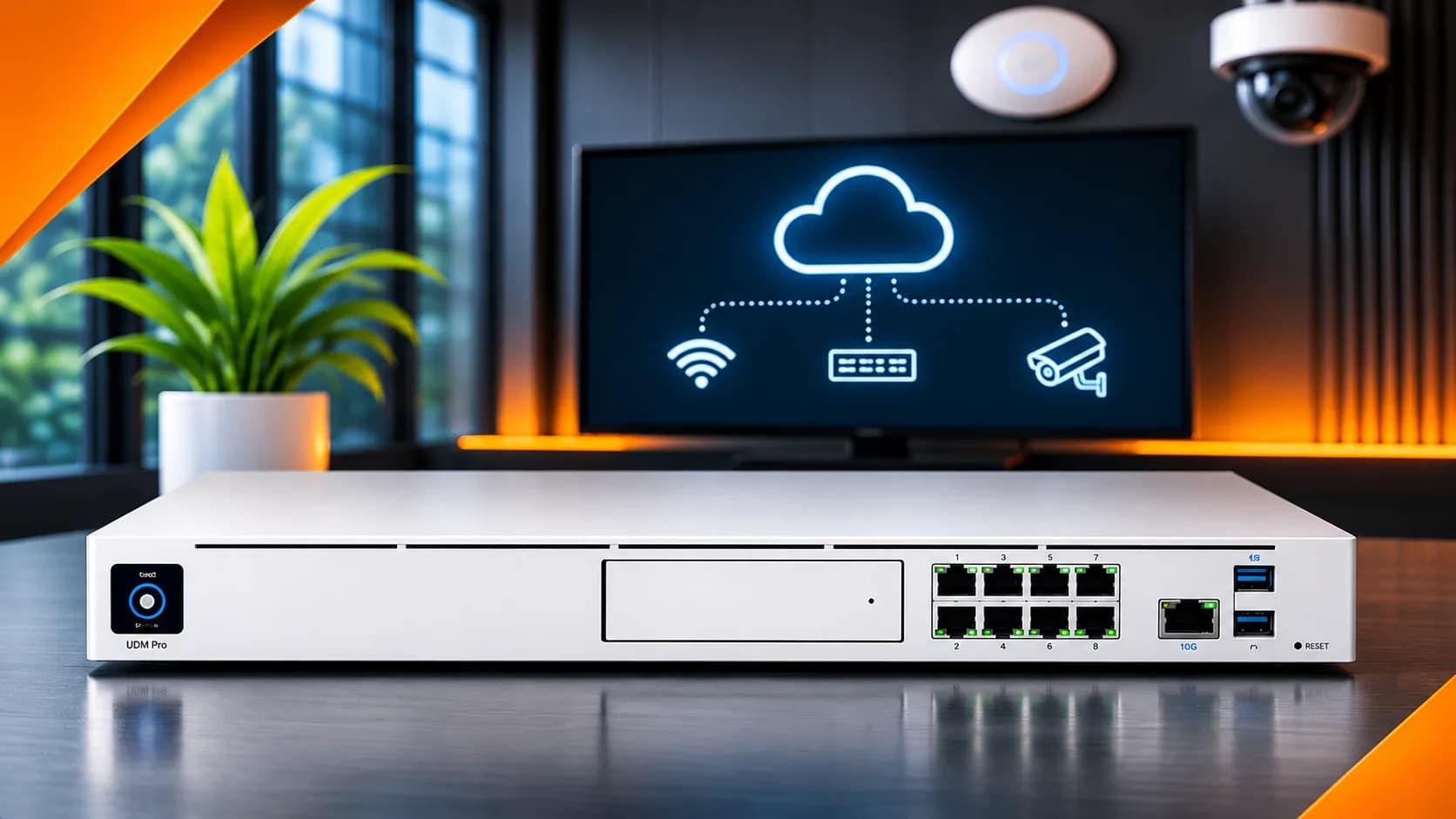
AccessStore.lk's managed ranges are FortiSwitch and UniFi. FortiSwitch models suit offices and campuses that want their switching tied into a Fortinet security setup, and UniFi switches are managed from the UniFi controller — the same dashboard that runs your UniFi access points, and the same one a cloud gateway like the UniFi Dream Machine Pro runs. Both ranges include PoE models and models with 10G uplinks for growing networks.
A managed switch is the right choice when the network has to be segmented, monitored or changed often — an office with staff and guest networks, a hotel with rooms and back-office systems on the same wire, or a campus with many switches that one person has to look after.
What is an unmanaged switch?
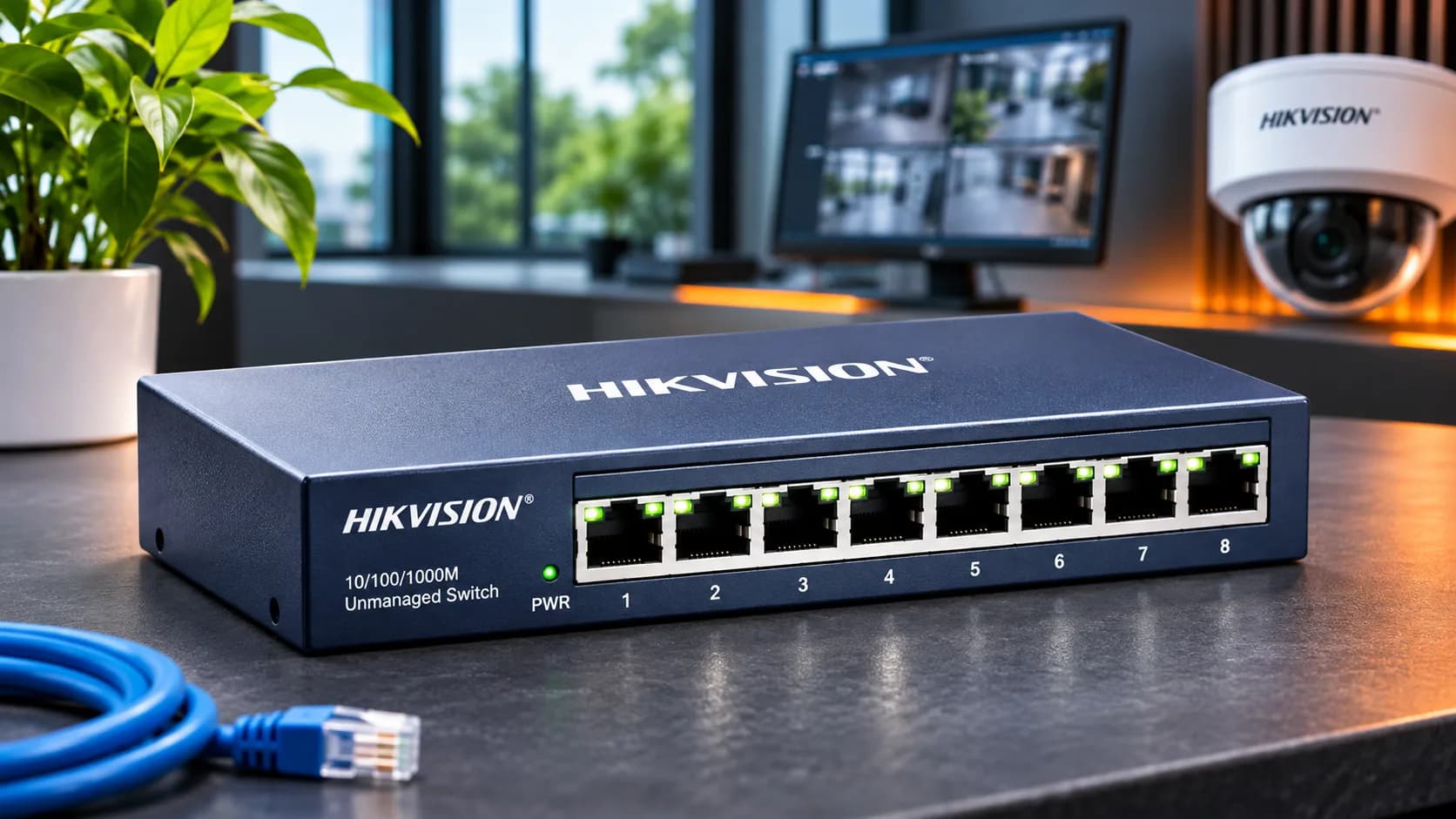
An unmanaged switch has no configuration and no management interface. You plug in the power and the cables, and it forwards traffic. There is nothing to set up, nothing to log into, and nothing to update. That is the whole point: it is the simplest possible way to add ports to a network.
AccessStore.lk's unmanaged range is Hikvision — 34 models added in November 2026, from 5-port desktop switches to 28-port rackmount models. Most are PoE switches: they power access points and cameras over the same network cable, so a camera on a wall needs one cable, not a cable plus a power adapter. PoE budgets run from 35W on the smallest models to 370W on the largest, and Hi-PoE ports deliver up to 90W each for power-hungry devices such as PTZ cameras.
An unmanaged switch is the right choice when the network is small and fixed — a shop, a small office or a CCTV install where the devices just need to connect and stay connected.
Managed vs unmanaged at a glance
| Managed switch | Unmanaged switch | |
|---|---|---|
| Configuration | Dashboard — VLANs, QoS, port control | None — plug and play |
| Network segmentation | Yes — VLANs keep groups apart | No — all devices on one network |
| Monitoring and alerts | Yes — port status, traffic, firmware | No — no interface at all |
| Remote management | Yes — change settings from anywhere | No |
| PoE | Yes — on PoE models, with budgets per port | Yes — on PoE models, with budgets per port |
| Typical user | Offices, hotels, campuses, growing networks | Homes, small shops, fixed CCTV installs |
| Store ranges | FortiSwitch, UniFi | Hikvision |
PoE: the part that matters for both
Whether the switch is managed or unmanaged, the PoE question is the same: what will it power, and how much power does it need? An access point or a fixed camera usually needs standard PoE; a PTZ camera or a high-power access point may need PoE+ or Hi-PoE (up to 60W per port). Add up the power of everything you will plug in and compare it with the switch's total PoE budget — a 24-port switch with a 225W budget cannot power 24 cameras at full draw, and that is by design. The port count and the power budget are two different numbers, and the budget is the one that decides how many powered devices the switch can actually run.
Port speed matters too. Fast Ethernet (10/100 Mbps) ports are fine for cameras and basic devices; gigabit ports are the standard for offices; 2.5G and 10G uplinks matter when many devices share one link back to the router or server. Hikvision's unmanaged range covers both speeds — the DS-3E03xx models are Fast Ethernet PoE, the DS-3E05xx models are gigabit — and the managed ranges include 2.5G and 10G options. Read our guide on how to choose a PoE switch for a small office before you decide on ports and power.
Which one for your setup?
A home or small shop. Unmanaged. A 5- or 8-port Hikvision PoE switch connects your access point and cameras with nothing to configure, and it costs less than a managed equivalent.
A small office. It depends. If it is one room, one network and a handful of devices, unmanaged is enough. If you want guest Wi-Fi separated from staff, or you expect to grow past 20 devices, a managed switch pays for itself in control — a UniFi or FortiSwitch model with PoE.
A hotel, school or campus. Managed. Many switches, many device groups, and one person responsible for all of it. VLANs keep guests, staff and cameras apart, and the dashboard shows a failing port before a guest complains.
A CCTV install. Unmanaged PoE is usually enough — cameras just need power and a path to the recorder. The exception is a large camera network where cameras should be isolated on their own VLAN; then a managed switch is the right call. Our Hikvision unmanaged switch buying guide walks through the models by port count and power budget.
A network that will grow. Managed. Buying unmanaged now and replacing it in a year costs more than buying managed once. If the device count, the site count or the security requirements will grow, start managed.
The ranges at AccessStore.lk
FortiSwitch (managed) and UniFi (managed) cover offices, hotels and campuses, with PoE models and 10G uplinks. Hikvision (unmanaged) covers simple, reliable connectivity — 34 models from 5 to 28 ports, with PoE budgets from 35W to 370W and Hi-PoE on the models that need it. All switches are sold Price on request: tell us how many devices you need to connect, what they are, and how much power they draw, and we will quote the right model with islandwide delivery across Sri Lanka.
Frequently asked questions
What is the difference between a managed and an unmanaged switch? A managed switch is configured from a dashboard — VLANs, traffic priority, monitoring and remote changes. An unmanaged switch has no configuration at all: plug the cables in and it works.
Do I need a managed switch for a small office? Not always. If it is one room, one network and a handful of devices, an unmanaged switch is enough. If you want guest and staff networks separated, or you expect to grow past 20 devices, a managed switch is the better buy.
Can an unmanaged switch power cameras and access points? Yes, if it is a PoE model. Unmanaged PoE switches power access points and cameras over the network cable. Check the total PoE budget against the power draw of everything you will plug in.
What is Hi-PoE? Hi-PoE delivers up to 90W per port, for power-hungry devices such as PTZ cameras. Standard PoE and PoE+ deliver less. The Hikvision range marks its Hi-PoE models clearly — look for HP in the model name.
Can I mix managed and unmanaged switches? Yes. A common setup is a managed switch at the core of the network, with unmanaged switches at the edge where a few extra ports are needed. Keep the devices that need segmentation on the managed side.
Related: Switches · Unmanaged switches · Hikvision unmanaged switch buying guide · FortiSwitch buying guide · UniFi buying guide · How to choose a PoE switch · Cloud gateway buying guide