UniFi Access Point in Sri Lanka
UniFi access points in Sri Lanka: compare U6 and U7 models for homes, offices and outdoors, with local stock, warranty and islandwide delivery. Request a quote.
By Amesha · AccessStore.lkUpdated 10 min read
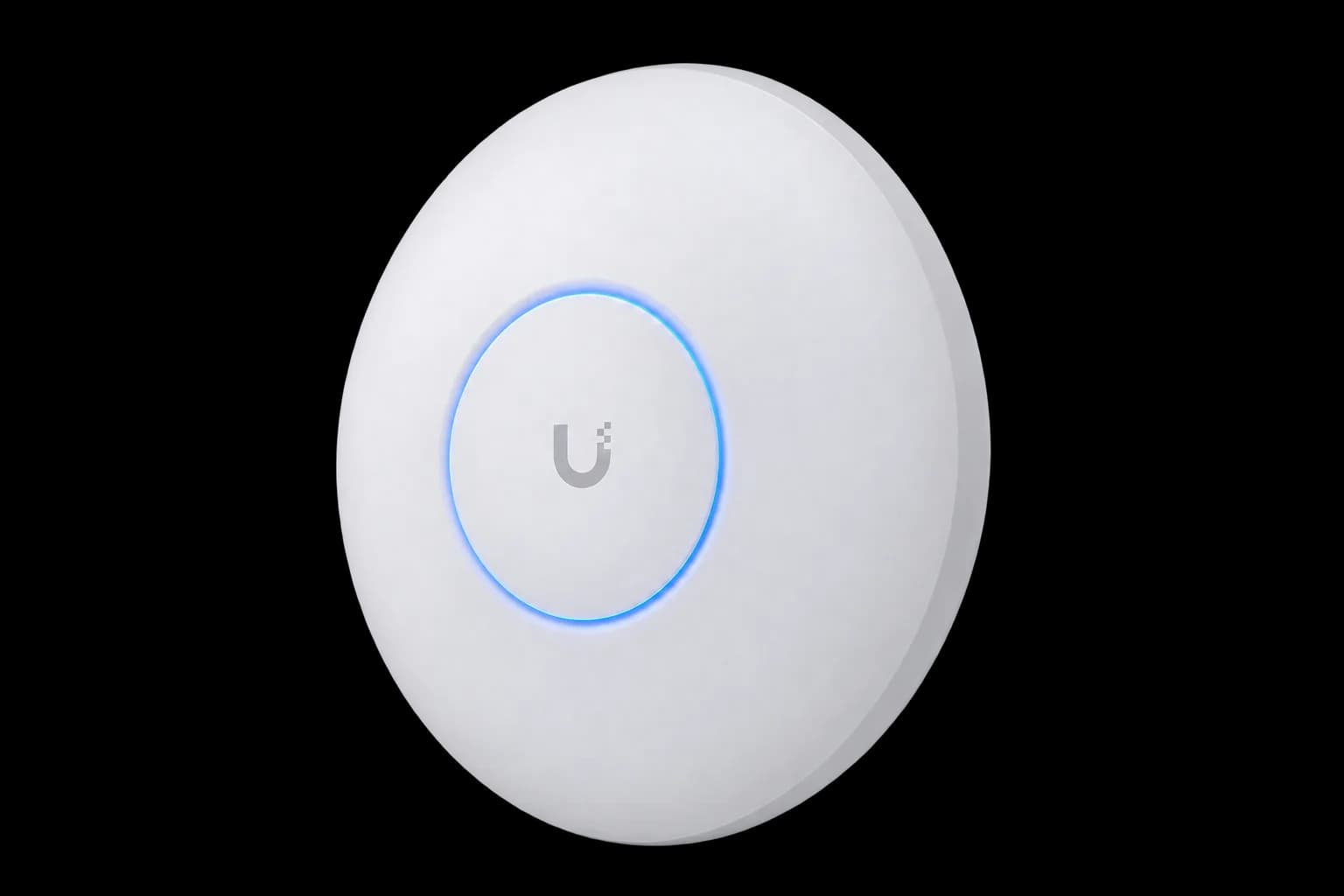
UniFi access points suit homes, offices, hotels and schools that want one managed Wi-Fi network instead of a pile of separate routers. Every pick below is a genuine Ubiquiti UniFi model supplied by AccessStore.lk from Sri Lanka, with local warranty and islandwide delivery. Most access points are quoted per setup, so tell us your floor area, room count and device count and we will size the system and quote it for you.
Short answer: the Ubiquiti UniFi U7 Pro WiFi 7 Access Point is the best UniFi access point in Sri Lanka for most buyers. It is a tri-band Wi-Fi 7 ceiling access point with 2.4, 5 and 6 GHz, a 2.5 GbE uplink and PoE+ power, covering about 140 m2, so one model fits a new home or office install without needing an upgrade a year later.
Best overall: Ubiquiti UniFi U7 Pro WiFi 7 Access Point
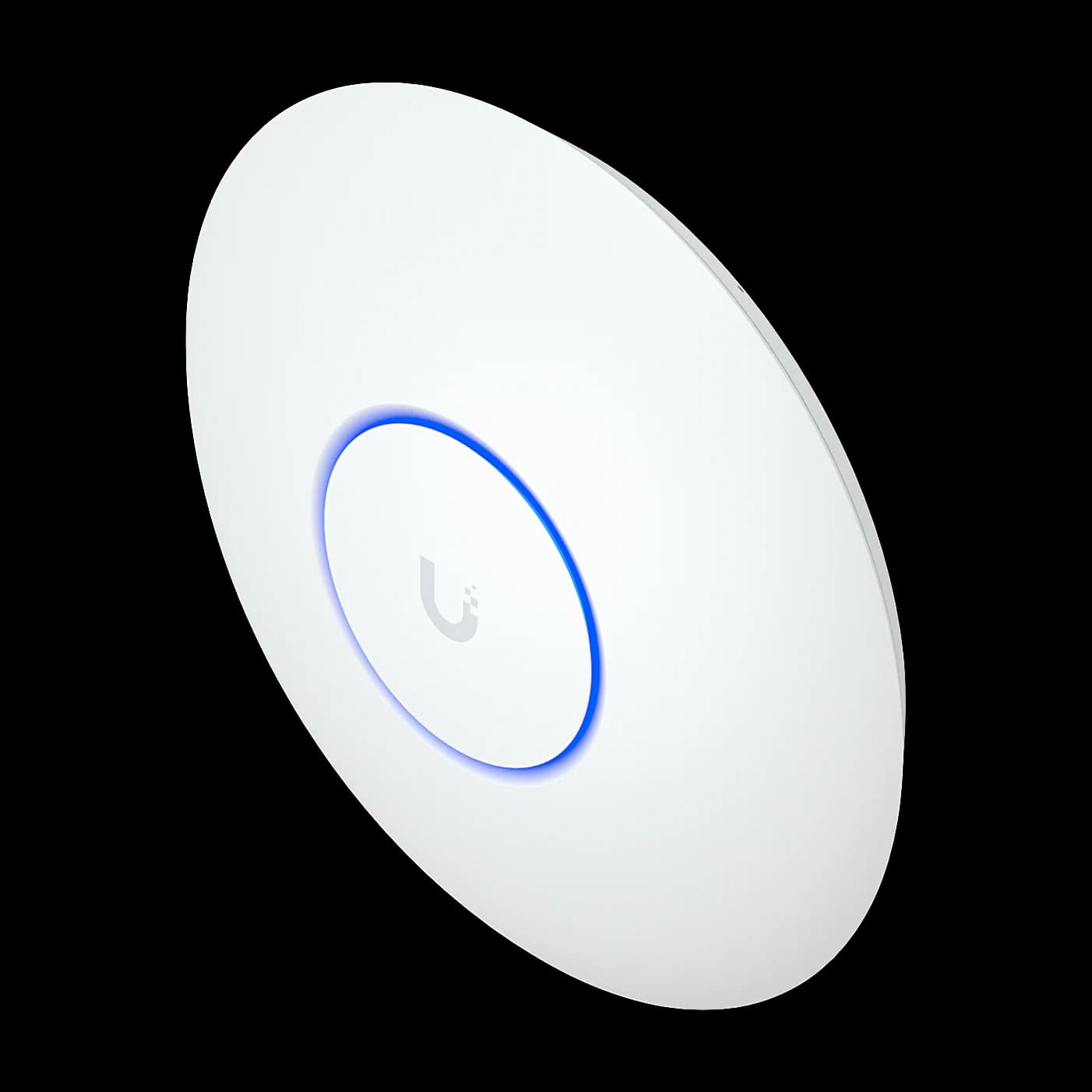
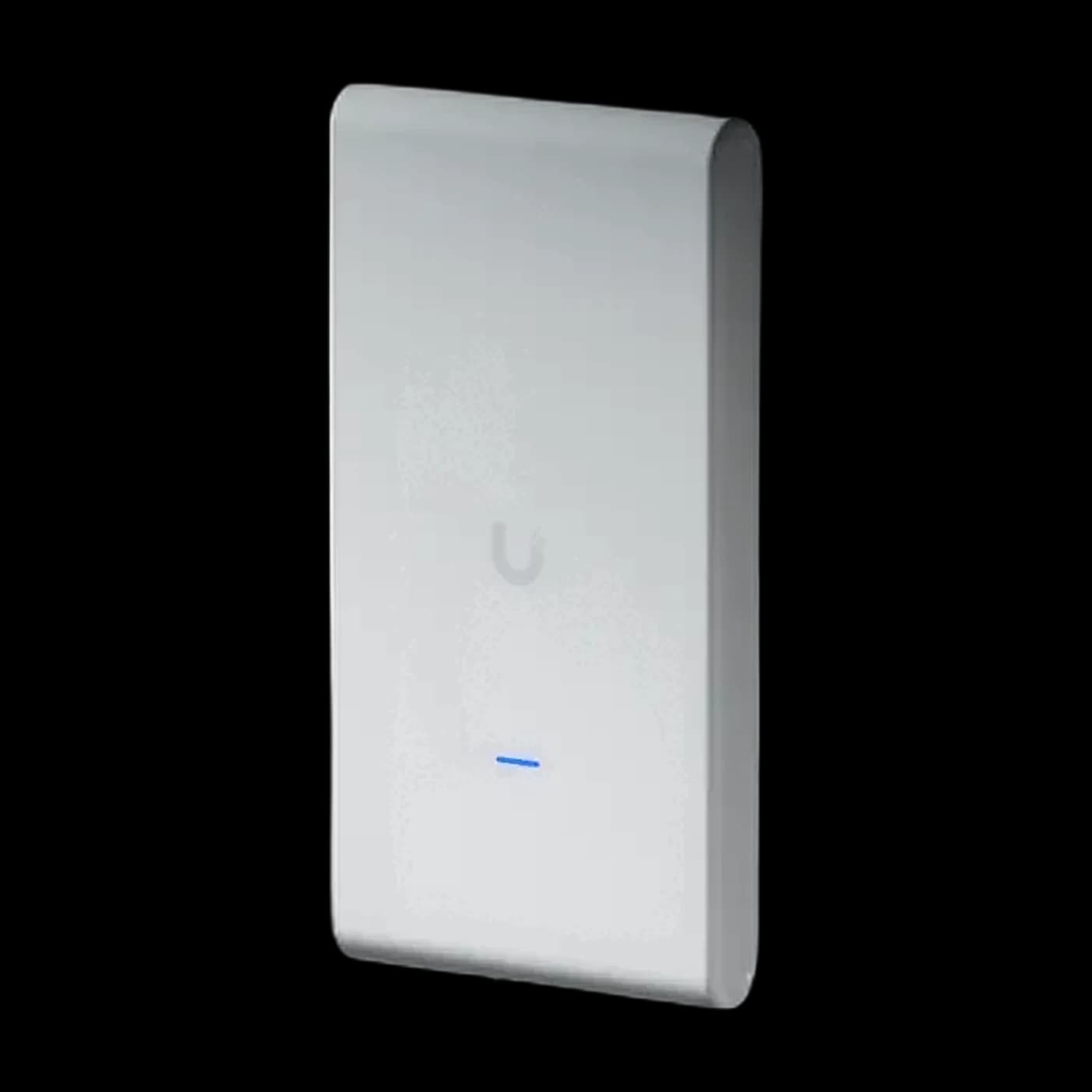
This is the access point to buy if you want one model that does everything well. It is a tri-band Wi-Fi 7 access point with 2.4, 5 and 6 GHz, 2x2 MU-MIMO on each band, and a 2.5 GbE uplink, so it keeps up with a fast fibre line and a room full of devices at once. It runs on PoE+, mounts on a ceiling or a wall, and covers about 140 m2, which suits a floor of an office, a large living area or a classroom. See the U7 Pro.
Best budget / home: Ubiquiti UniFi U6 Plus WiFi 6 AX3000 Access Point
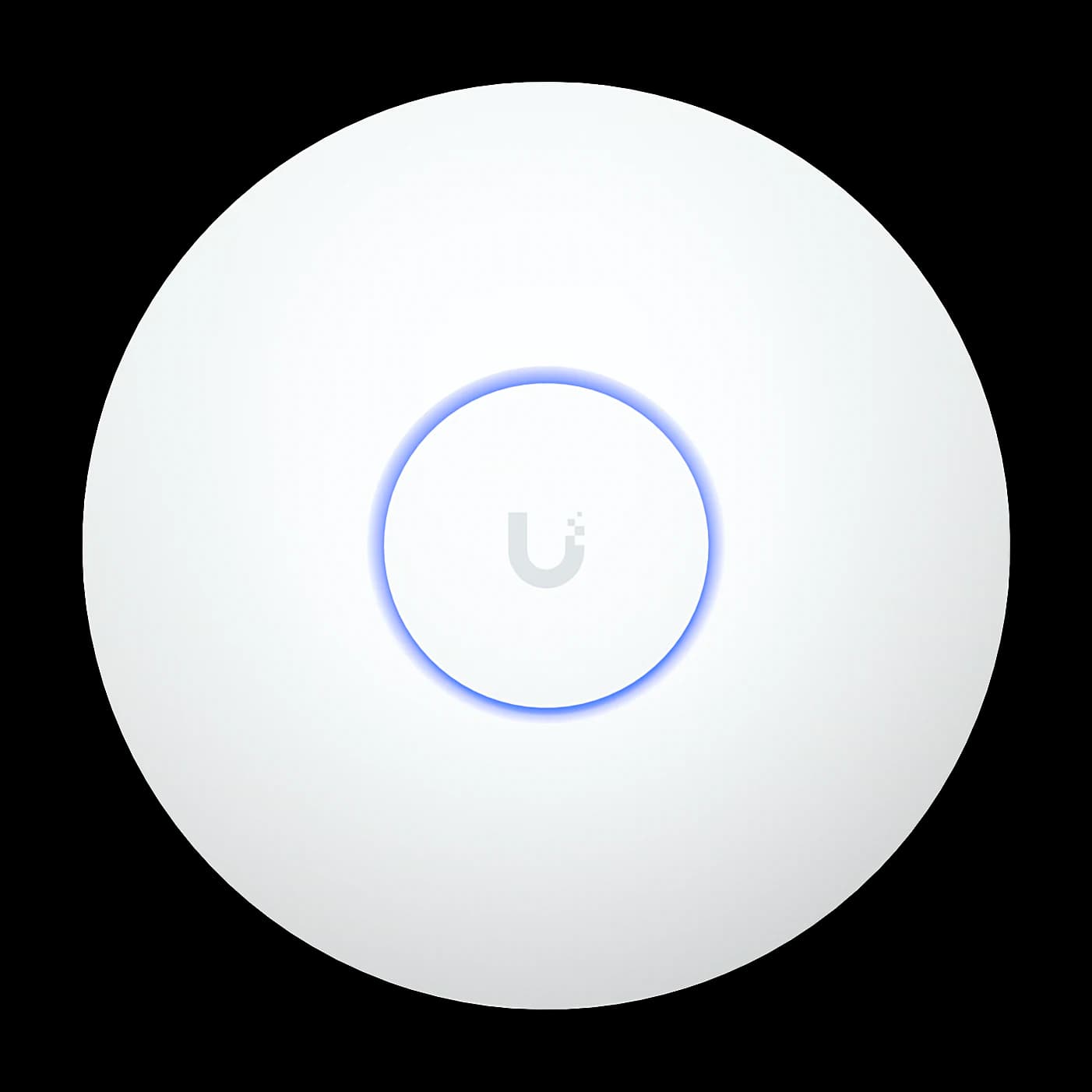
The sensible starting point for a home or a small office. This compact dual-band Wi-Fi 6 ceiling access point is AX3000 class, serves 300+ clients, and runs on standard PoE at 9 W max, so it works with the PoE switch you probably already have. Its small 160 mm disc fits a ceiling or a wall without standing out, and Wi-Fi 6 is what our Wi-Fi 6 vs Wi-Fi 7 guide calls the sensible choice for most offices today. See the U6 Plus.
Best for offices: Ubiquiti UniFi U6 Pro WiFi 6 Dual-Band Access Point
Offices need an access point that can handle many devices at once, and the U6 Pro does exactly that. It is a dual-band Wi-Fi 6 ceiling access point with 6 spatial streams, 4x4 MU-MIMO on 5 GHz, and 300+ clients, so a busy meeting room or an open office stays connected. It runs on PoE+ (802.3at, 13 W max) over a single GbE uplink, mounts on a ceiling or a wall, and is the proven workhorse for large offices that do not need Wi-Fi 7 yet. If you are fitting out a new high-density office, step up to the U7 Pro Max below. See the U6 Pro.
Best outdoor: Ubiquiti U7 Outdoor WiFi 7 Access Point
Outdoor Wi-Fi needs range, and this is the widest-covering access point we supply: about 465 m2 with 250+ clients, a 2.5 GbE uplink, and external omni antennas with wall or pole mounting. It is a Wi-Fi 7 outdoor access point for gardens, courtyards and compounds rather than rooms inside, and it runs on PoE+. It is in stock at AccessStore.lk, so it ships fast for an outdoor job. See the U7 Outdoor.
Best Wi-Fi 7: Ubiquiti UniFi U7 Pro Max WiFi 7 Access Point
For the strongest Wi-Fi 7 ceiling access point, step up to the U7 Pro Max. It is a tri-band Wi-Fi 7 access point with 2.4, 5 and 6 GHz, 8 spatial streams, and a 2.5 GbE uplink, covering about 160 m2, with a dedicated spectral scanning engine. It runs on PoE+, so it fits the same ceiling mount and power as the U7 Pro while serving more devices at once. Choose it for a new building, a busy office floor, or anywhere many users already have Wi-Fi 7 or 6E devices. See the U7 Pro Max.
Best mesh: Ubiquiti UniFi U7 Mesh WiFi 7 Access Point
For rooms you cannot wire, the U7 Mesh is the pick. It is a dual-band Wi-Fi 7 access point (2.4 / 5 GHz, no 6 GHz) that sits on a table, wall or pole, indoors or outside with its outdoor mount, covering about 140 m2 with 200+ clients per unit. It has a 2.5 GbE port, a long-range antenna system built to hold a mesh link where Ethernet cannot easily reach, and a PoE adapter included in the box. If Wi-Fi 6 is enough for your home, the U6 Mesh is the value alternative: about 140 m2 per unit, 250+ clients, 4.8 Gbps on 5 GHz, IPX5 weatherproof, with a PoE adapter included. See the U7 Mesh.
Compare the picks
| Model | Wi-Fi standard | Bands | PoE | Best for |
|---|---|---|---|---|
| U7 Pro | Wi-Fi 7 | 2.4 / 5 / 6 GHz | PoE+ | Best overall |
| U6 Plus | Wi-Fi 6 | 2.4 / 5 GHz | PoE | Best budget / home |
| U6 Pro | Wi-Fi 6 | 2.4 / 5 GHz | PoE+ | Offices |
| U7 Outdoor | Wi-Fi 7 | 2.4 / 5 GHz | PoE+ | Outdoors |
| U7 Pro Max | Wi-Fi 7 | 2.4 / 5 / 6 GHz | PoE+ | Best Wi-Fi 7 |
| U7 Mesh | Wi-Fi 7 | 2.4 / 5 GHz | PoE | Mesh |
How to choose
Start with the standard. Wi-Fi 6 access points are the best value for most offices, hotels and schools buying today: they serve many devices at once, work with almost every laptop and phone in use, and run on standard PoE+ switches. Choose Wi-Fi 7 if you are fitting out a new building or doing a full network refresh, many users already have Wi-Fi 7 or 6E devices, and you are upgrading to multi-gigabit PoE++ switching anyway. Remember that the 6 GHz band must be permitted for Wi-Fi where the access point is installed, and laptops and phones need Wi-Fi 6E or Wi-Fi 7 radios to use it at all. A Wi-Fi 7 access point cannot make old devices faster than their own radios allow.
Then plan coverage, not just the standard. A well-planned Wi-Fi 6 network beats a badly placed Wi-Fi 7 one. Count rooms and floors, not square metres alone, and place access points where people actually sit. Thick concrete walls and floors, common in Sri Lankan buildings, cut the signal far more than the coverage number on the box suggests, so a two-storey house usually needs at least two or three units, one per floor plus one for the far rooms. For a garden, courtyard or compound, use an outdoor access point like the U7 Outdoor rather than stretching an indoor unit.
Finally, check the power and the controller. Every pick in this guide runs on PoE or PoE+, so a PoE switch powers each access point over the same cable that carries the data, and the mesh models include a PoE adapter in the box. Some Wi-Fi 7 access points need PoE++ (802.3bt) rather than PoE+, so check the model before you buy the switch, and budget for the switch and cabling, not just the access points. All UniFi access points are managed from one UniFi controller, so devices roam between access points without dropping, and you can add units later without rebuilding the network. See our guide to choosing a PoE switch.
What runs the network? The UniFi Dream Machine Pro (UDM-Pro) in Sri Lanka
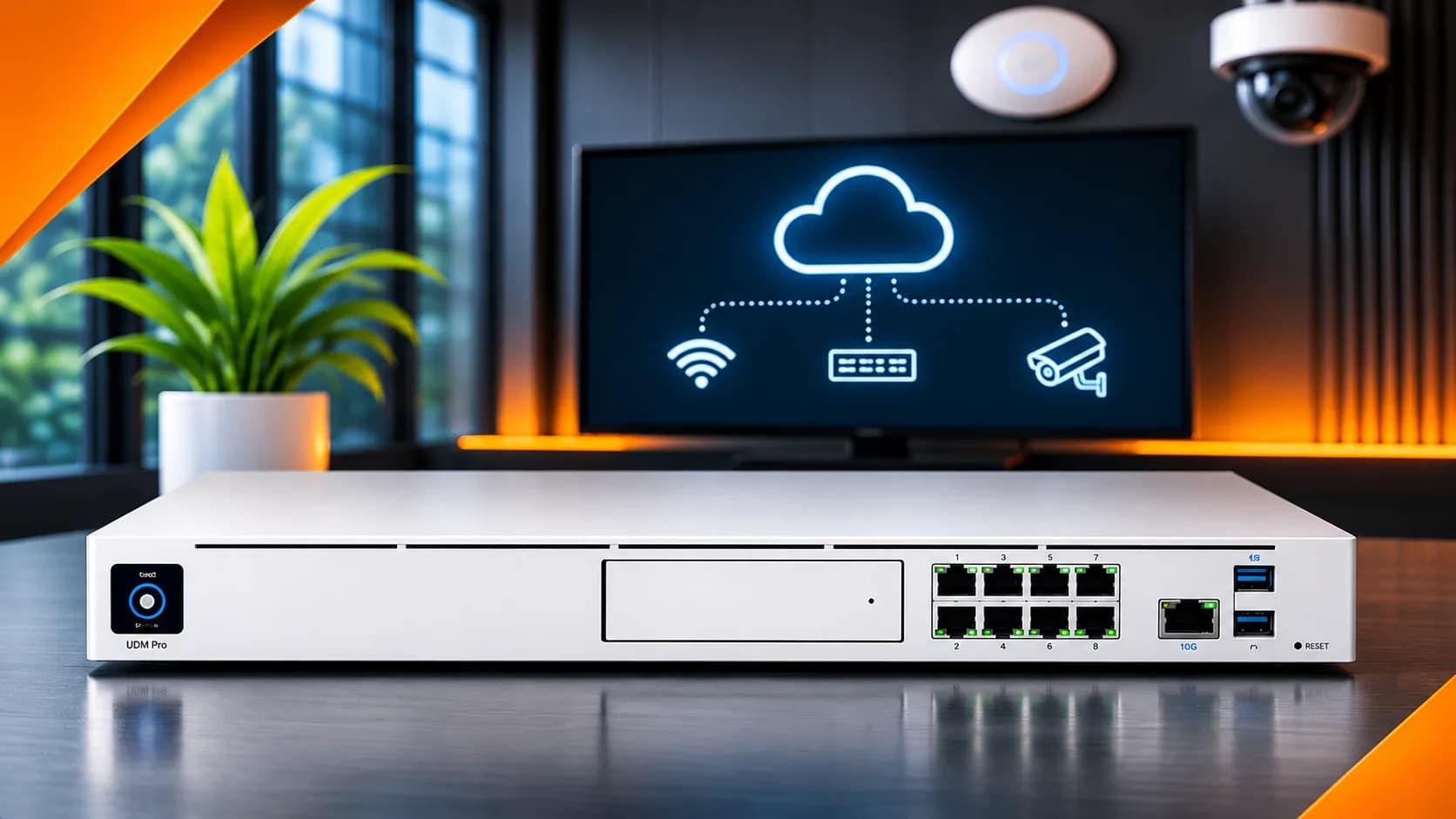
If you are looking for a UniFi UDM Pro in Sri Lanka, this is the box most bigger UniFi setups are built around. Every access point in this guide needs a controller, and the Dream Machine Pro (UDM-Pro) is the all-in-one 1U rack appliance that provides it: it runs the UniFi Network Application that manages your access points, plus UniFi Protect for cameras, with a 3.5-inch hard-drive bay for recordings. It combines the controller, a security gateway, an 8-port gigabit switch and a camera recorder in one box, with a 10G SFP+ WAN port, support for over 100 UniFi devices and 1,000+ clients, and 3.5 Gbps IPS routing throughput — enough for a small to medium business, a hotel or a school running many access points and cameras from one rack.
You do not need one for a small setup: one or two access points can run from a Cloud Key or a self-hosted controller. The UDM-Pro earns its place when you have many access points, Protect cameras, or a rack to fill. Two related models: the Dream Machine Special Edition (UDM-SE) adds built-in PoE switching, so it can power your access points directly, and the Dream Machine Pro Max is the 10G cloud gateway for larger installs, supporting over 200 UniFi devices.
The UDM-Pro is listed at AccessStore.lk — see the Ubiquiti UniFi Dream Machine Pro (UDM-Pro). It is priced per setup, so request a quote or call AccessStore.lk on +94 76 101 9946 and we will confirm availability and pricing for you.
Frequently asked questions
What is the difference between UniFi U6 and U7 access points? U6 is Wi-Fi 6 and U7 is Wi-Fi 7. The U7 models add the 6 GHz band, higher speeds and more capacity for busy networks. If you are buying new, the U7 Pro is the safer long-term pick; the U6 Plus is the budget choice for smaller spaces. See our Wi-Fi 6 vs Wi-Fi 7 guide for the full comparison.
Which UniFi access point is best for home use? The U6 Plus — the guide's budget and home pick (Wi-Fi 6 AX3000). For a new home with fibre, the U7 Pro covers about 140 m² on one unit with a 2.5 GbE uplink, so one access point is often enough.
Do UniFi access points need a controller? Yes. UniFi access points are managed through the UniFi Network Application (the controller), which runs on a UniFi console, a Cloud Key, or a self-hosted server. One controller manages every access point on the network, so all of them share the same Wi-Fi name and settings.
Do I need a UniFi Dream Machine Pro (UDM-Pro) for my access points? Not for a small setup — one or two access points run fine from a Cloud Key or a self-hosted controller. The UDM-Pro is the all-in-one console (controller, security gateway, 8-port switch and camera recorder) for bigger installs with many access points or Protect cameras. See the Dream Machine Pro section above.
Can I use a UniFi access point outdoors? Yes — the U7 Outdoor is built for outdoor use and is the guide's outdoor pick. It is powered over Ethernet (PoE), so one cable carries both power and data to it.
What is the difference between a UniFi mesh access point and a regular one? A mesh unit, like the U7 Mesh, connects wirelessly to another access point, so it works where running a cable is hard. A regular access point needs a wired Ethernet connection back to the switch. See our Wi-Fi mesh buying guide for when mesh is the right choice.
Why buy UniFi from AccessStore.lk? Local stock with local warranty and islandwide delivery — no import wait. Many marketplace listings are US-store imports that need a step-down voltage transformer and ship from overseas. Tell us your floor area, room count and device count and we will size the system and quote it. If you also need the router behind the Wi-Fi, see our MikroTik router buying guide — and to compare with Fortinet's access points, see our FortiAP buying guide.
Find your access points
Browse the full UniFi range, the wider Wi-Fi range or compare the Ubiquiti line-up. If you want the full background first, read our Wi-Fi 6 vs Wi-Fi 7 guide, which explains the standards, 6 GHz and PoE in plain language, and our WiFi mesh buying guide for whole-home coverage.
Tell us about your building, your floor area, room count and device count, and we will recommend the right UniFi access points and quantities and quote the full setup, with islandwide delivery. Request a quote or call AccessStore.lk on +94 76 101 9946.